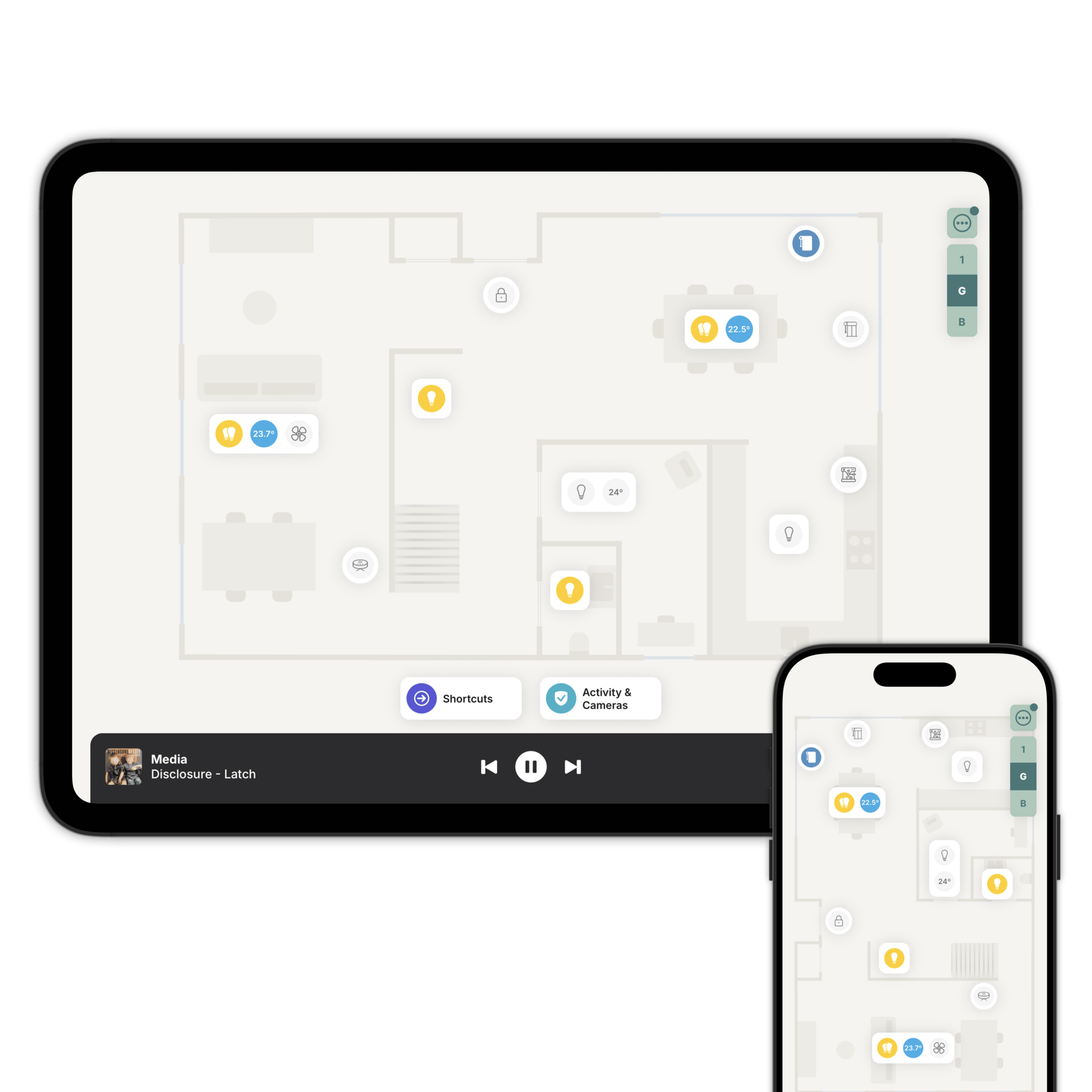
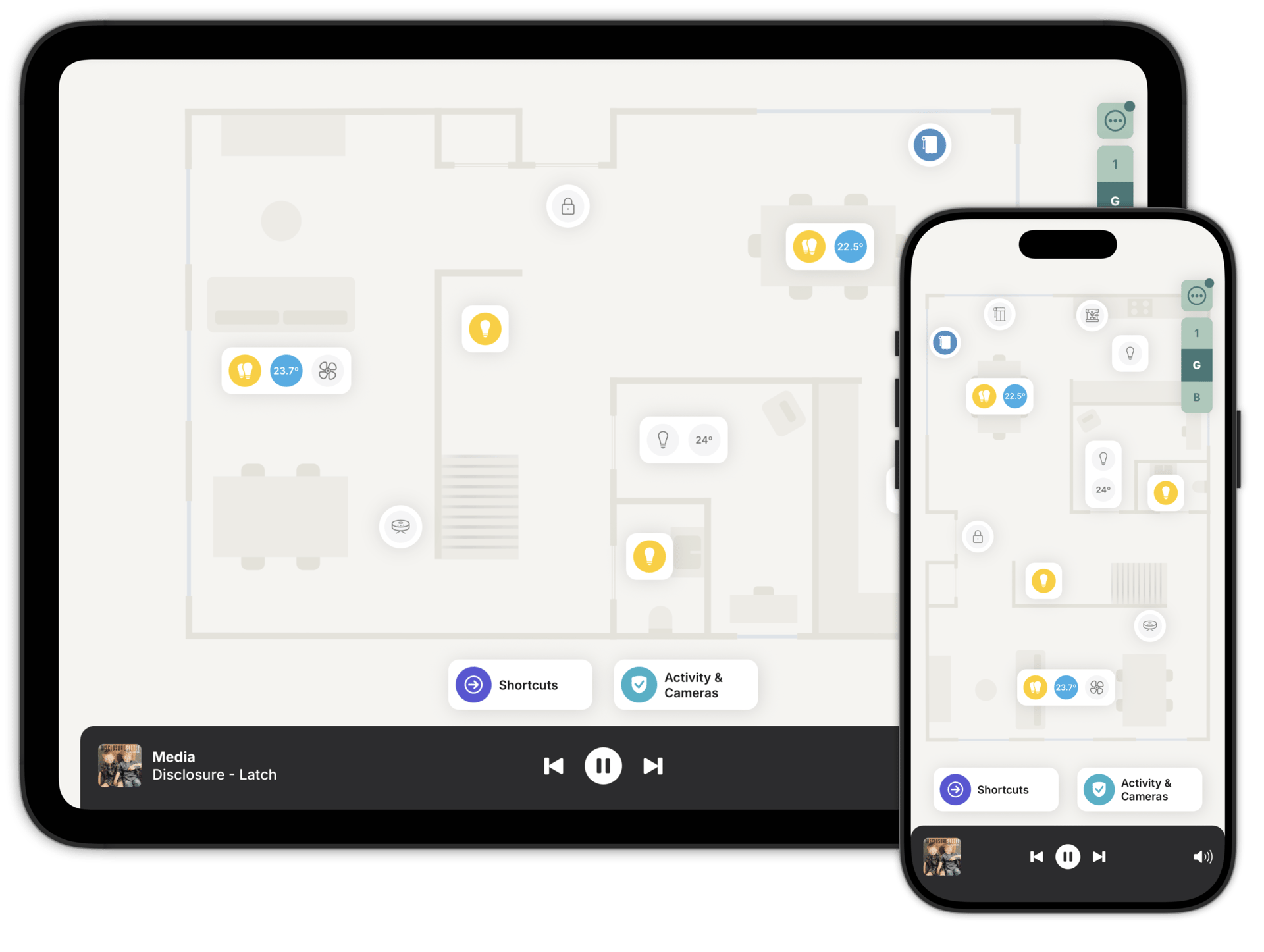
Control your smart home from a floorplan
Works with


Scan or draw your home
On an iPhone Pro or iPad Pro, scan your rooms and the floorplan is ready in seconds. On anything else, draw it in the designer or upload a plan you already have and let AI draw it for you.
Then link each room to the matching one in Home Assistant or Homey, and Zendo places your accessories for you. Gardens, patios and pools, on the same floorplan.
No accessories to re-pair. Your system carries on exactly as it is.
One tap switches every light in the room. Tap to control a single lamp instead.
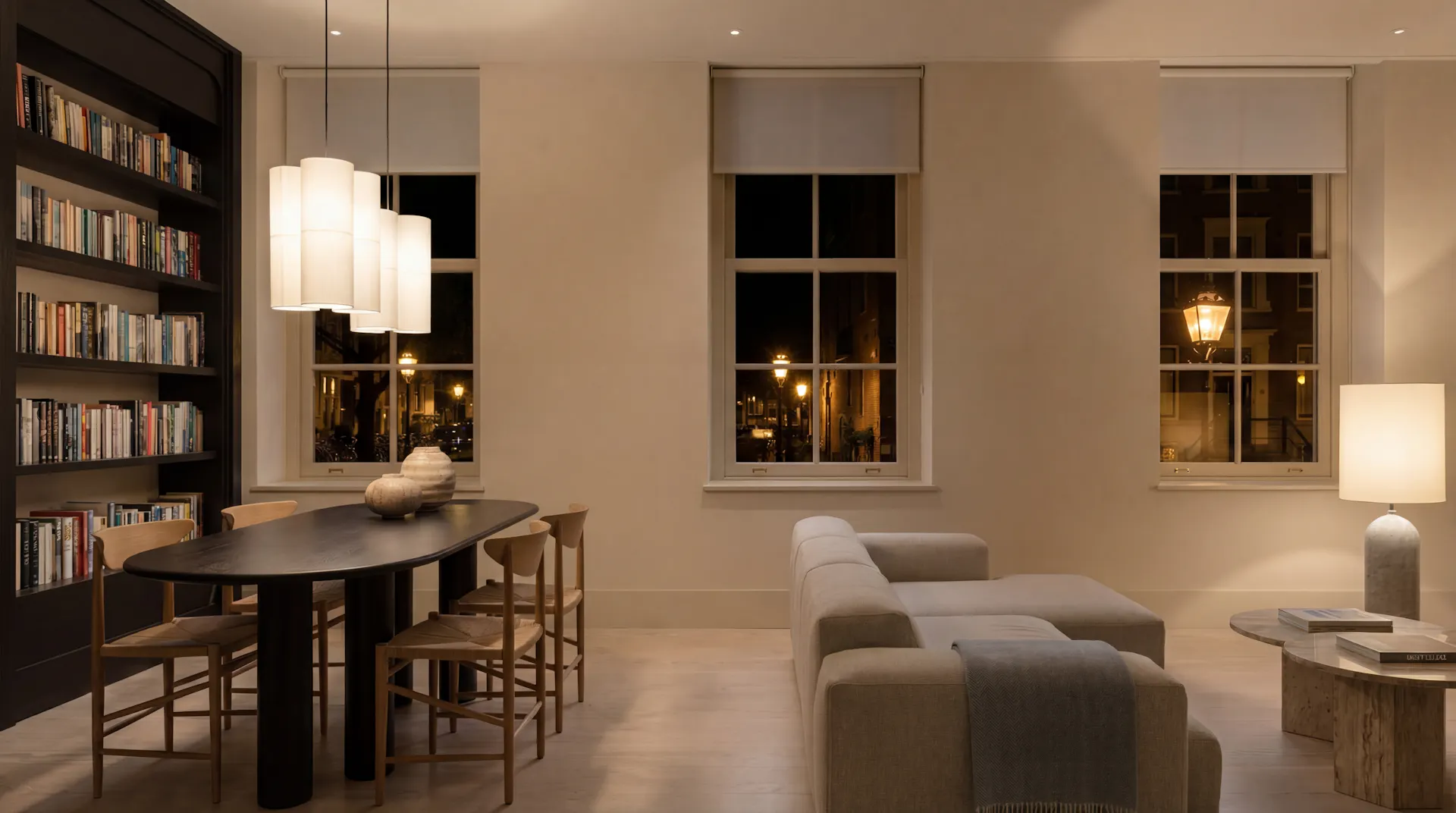
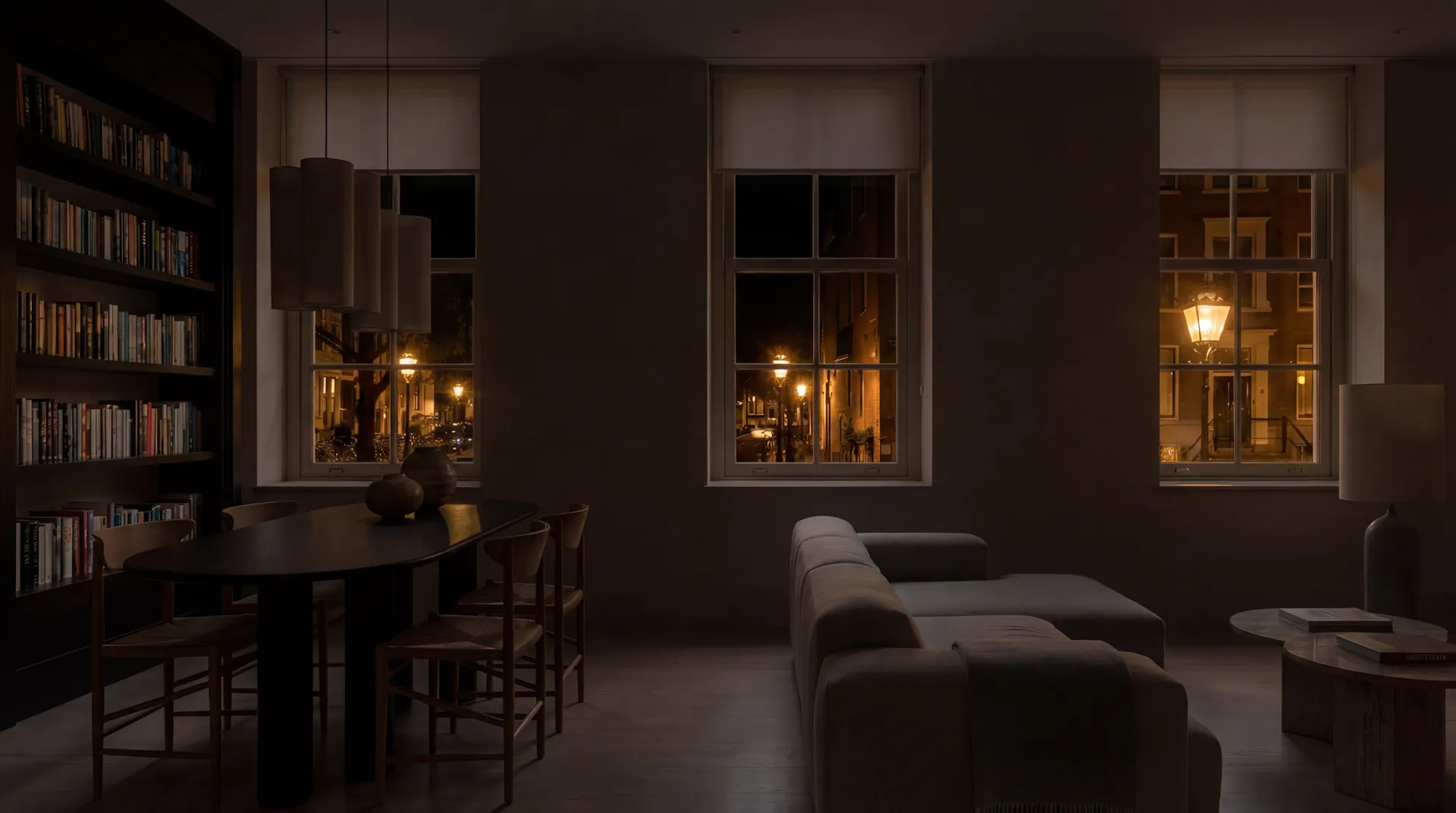
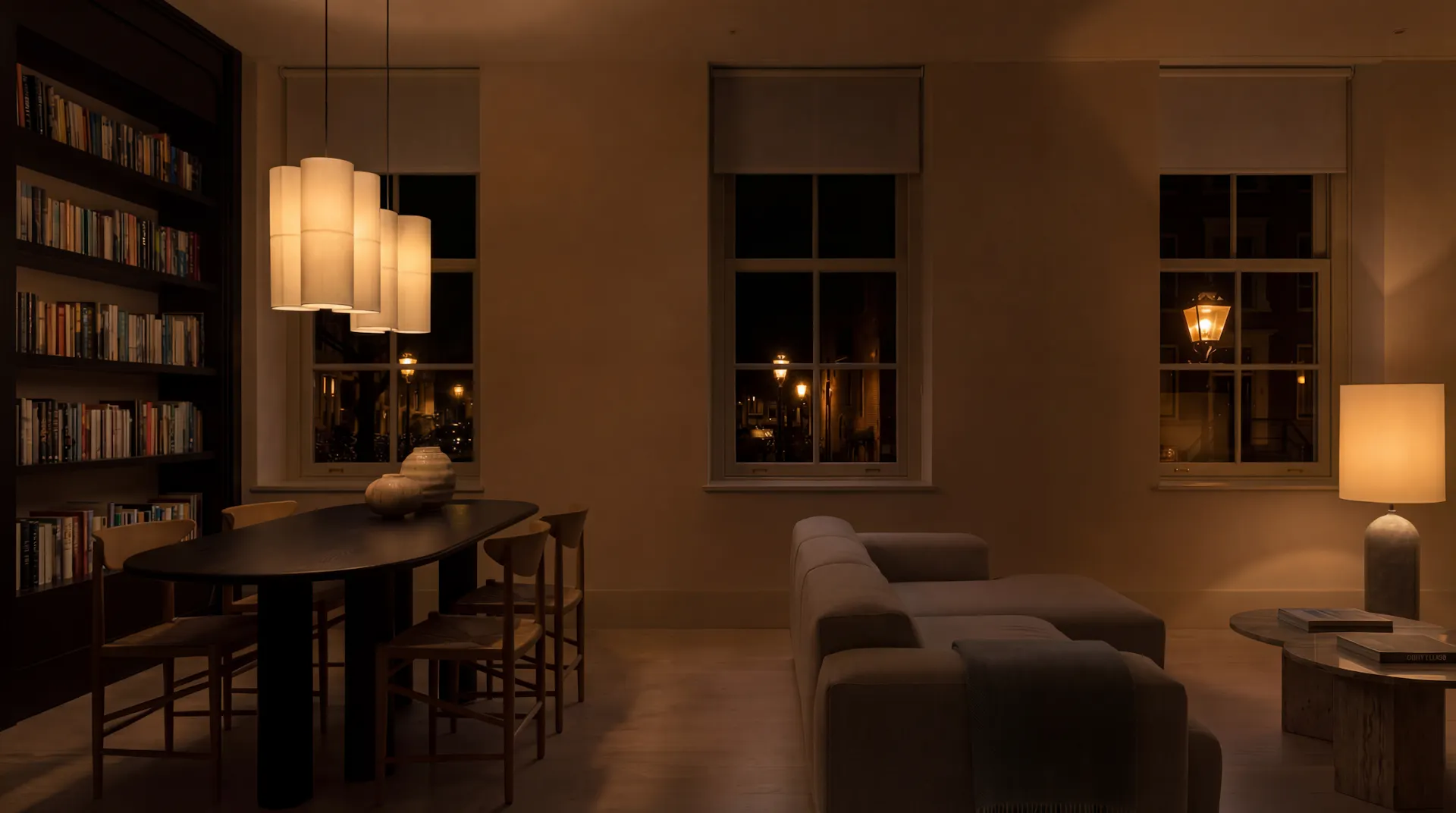
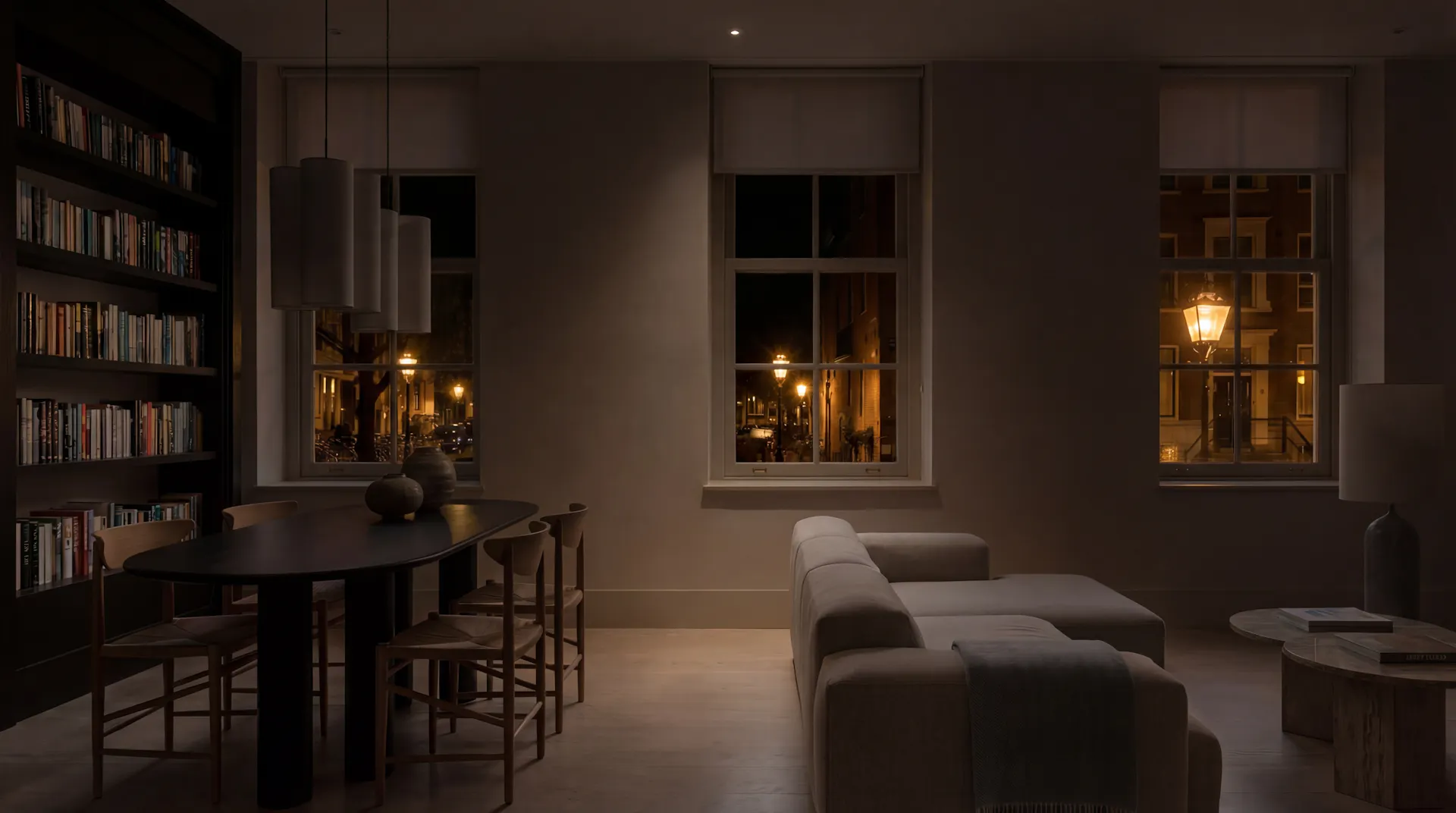
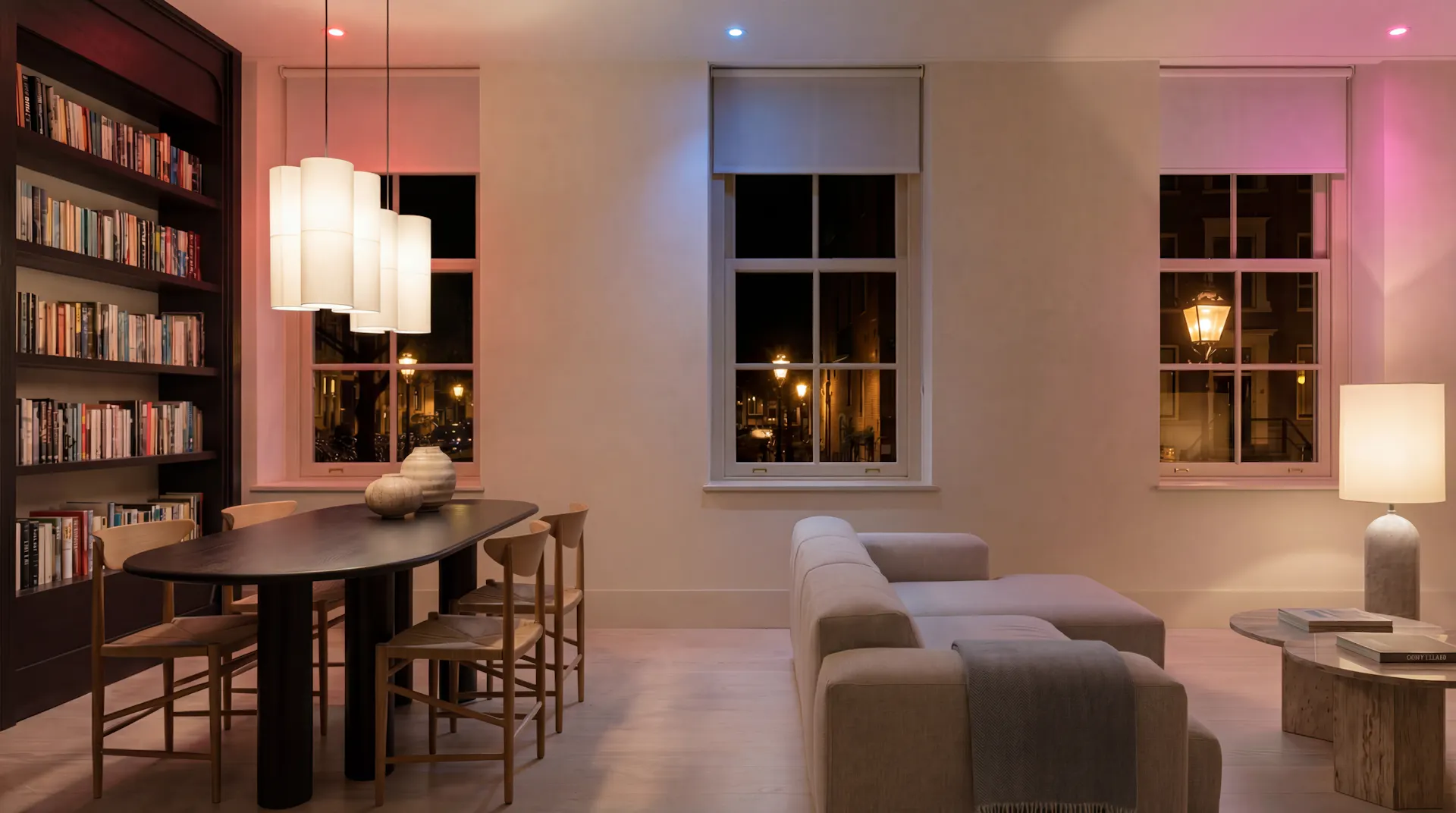
Dim, change the colour, or pick a mood. Zendo keeps the room's lights grouped for you as they come and go.
Set the mood at the touch of a button and control multiple lights simultaneously. Try pressing a button, see what happens.
Loading simulator...
Change the track from wherever you are. Speakers sit along the bottom of the floorplan, so every room can reach every speaker.
Play, pause, skip and set the volume, with the current artwork on screen. Your favourites are one tap away.
Check every room at a glance.
Cameras, locks and sensors in one view, on the floorplan you already know. See what's still unlocked and close it.
And when a noise wakes you at 3am, the activity feed tells you which sensor was triggered, which door opened, what's moved since. Room by room.
Built for your smart home
Frequently asked questions
You can control your lights, thermostats (for both heating and cooling), music on connected speakers, blinds & shades, on/off switches, fans & air purifiers, smart plugs, door locks, garage doors, robot vacuums, security cameras and much more... Zendo supports almost any brand and manufacturer.
Yes. Zendo isn't a smart home platform and doesn't pair devices. It connects to the platform you already run, and reads whatever it can see.
Only if you want it to. Your dashboards stay exactly where they are. Most people keep theirs for the deep work and hand everyone else Zendo.
Your Zendo connects directly to your Home Assistant or Homey. We don't harvest personal data, and you can use Zendo without an account.
iPhone, iPad, Android phones and tablets. One subscription covers all of them, and everyone you invite.
Start with one floor
Download Zendo and scan or draw your first floorplan. 14 day trial, no account needed to look around.