Know what your home uses, and what it costs
Electricity, solar, battery, gas, water and the car, in one place instead of five apps.
Electricity, solar, battery, gas and water.
One screen for the lot. Grid import and export sit on the same chart, so you can compare them without doing the sums yourself.
If you have solar, you can see what the panels made, how the battery charged and discharged, and how much went back to the grid.
Today at a glance, or the last years.
Live tiles at the top refresh as you watch: grid import, solar, battery level, EV charging, water flow, gas.
Below them, a chart for each. Switch between day, week, month and year, drag across a chart to read an exact value, or jump straight to "Last week" and "This month last year".
Energy Monitoring only shows the utilities your home actually has.
Charge when power is cheapest.
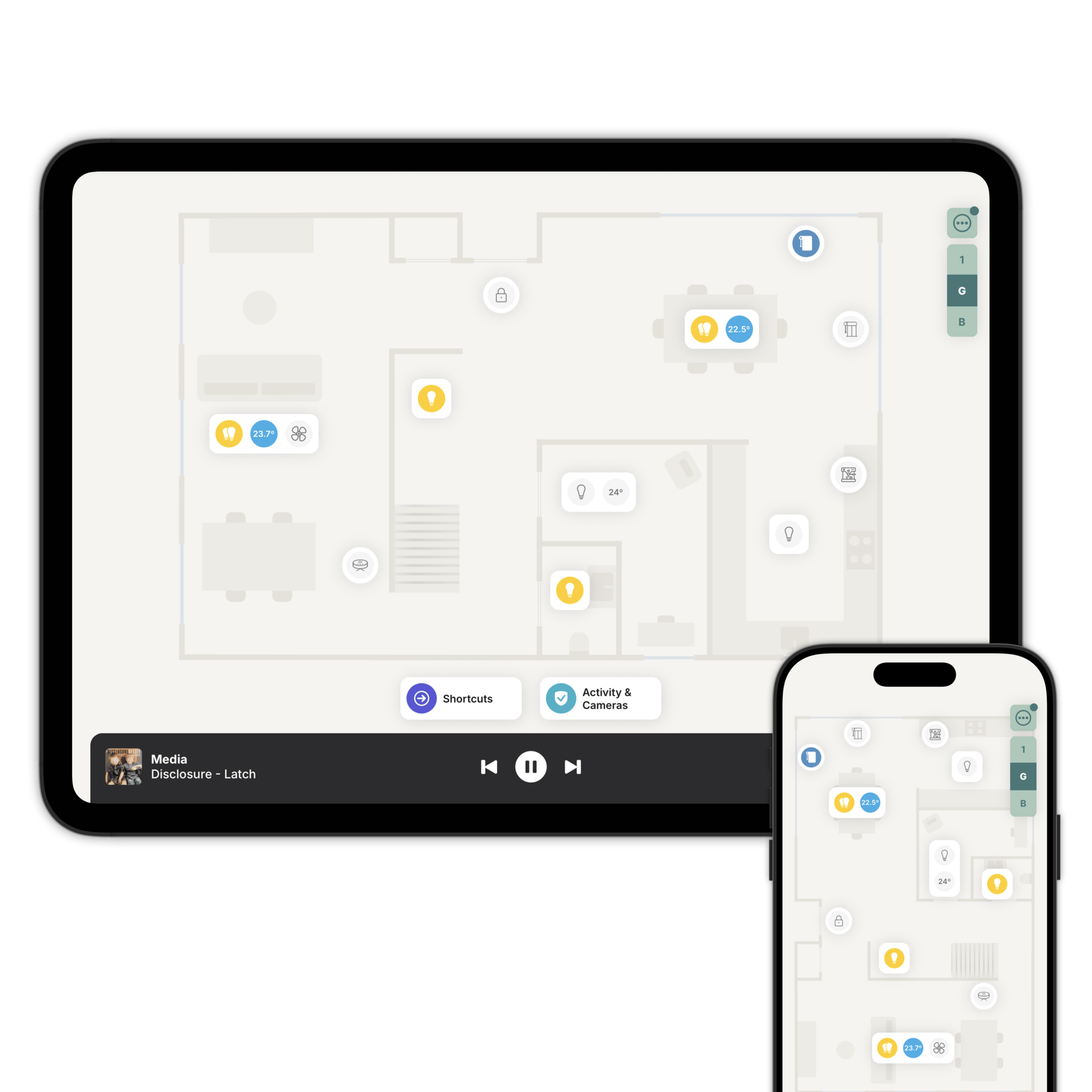
The EV charger sits on the floorplan where it's installed, and lights up when it's charging. Start and stop from there.
Open the advanced controls for the current session, the charging mode (fast, eco or solar), the charge limit, the cable lock and a per-phase power breakdown. If the charger reports a fault, it says which one.
EV charger controls are available on Homey. On Home Assistant, a charger can go on the floorplan as an on/off accessory.
Questions people ask first
Your system. Zendo reads the sensors Home Assistant or Homey already has and draws them. There's no extra meter to buy and nothing new to wire in.
No. Guests get a simpler version of the app, without Energy Monitoring or Climate Monitoring.
Supported smart plugs, relays and EV chargers show live power and a usage history on the accessory itself.
See where it all goes
Download Zendo and get your energy, solar and car charging on one screen. 14 day trial.