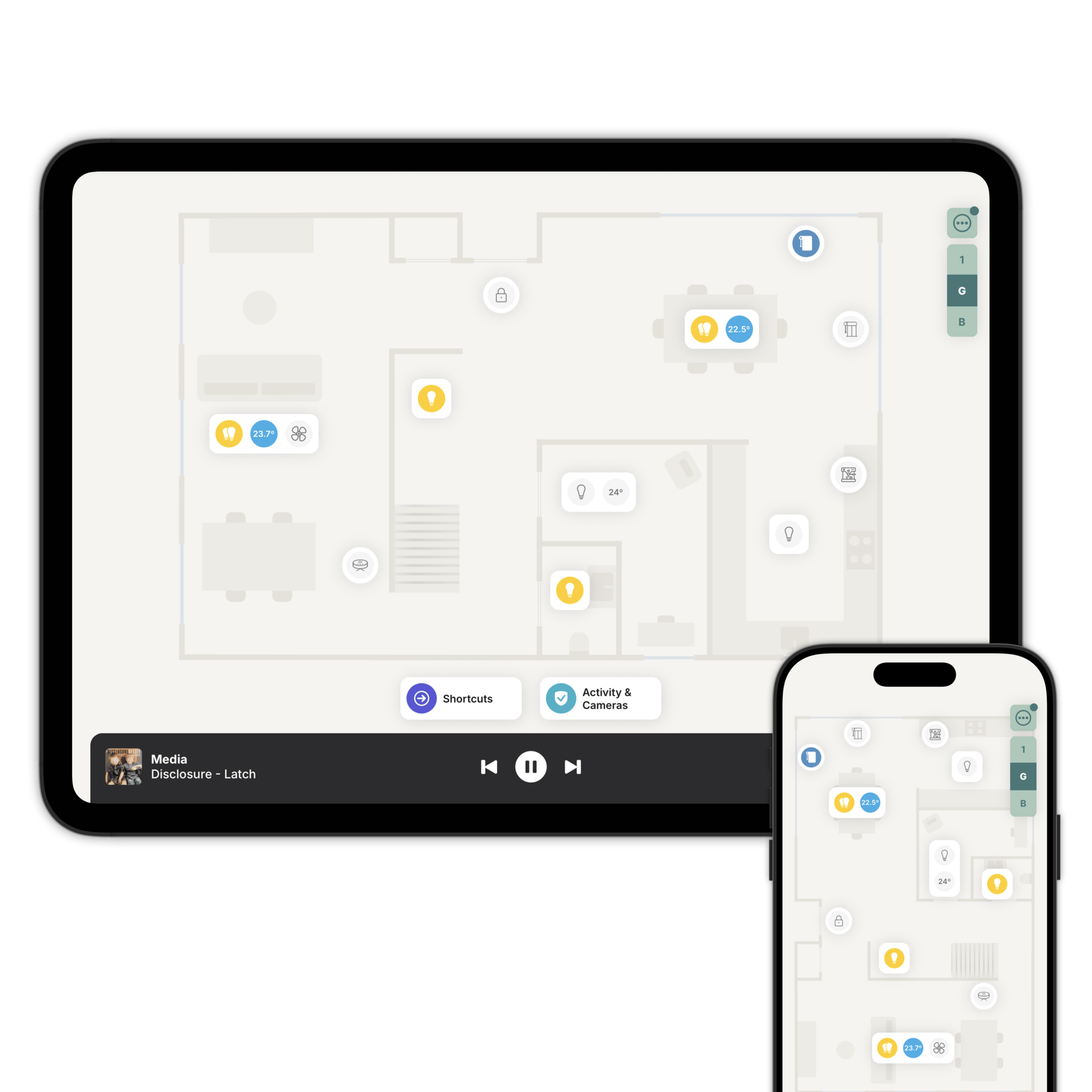
Turn any tablet into a wall display
Always on, always the right room, and it rings when someone's at the door.
Always on, always the right room.
Kiosk Mode keeps the screen awake so the floorplan is always there. Set the brightness, and choose what happens when nobody's using it: dim, black, a clock, or nothing at all, after anywhere from 1 to 60 minutes.
Turn it on and the device shows up in Home Assistant or Homey. Your automations can then control it and react to it.
Wake the screen when a motion sensor fires or as you get home. Switch to a dimmer night mode in the evening and back in the morning. Lock it with a PIN when everyone leaves, and unlock it when you're back. Get an alert if the tablet drops off the network.
See who's there. Let them in.
Pair a smart doorbell with a wall-mounted tablet and Zendo becomes the door panel. No proprietary intercom, no door station.
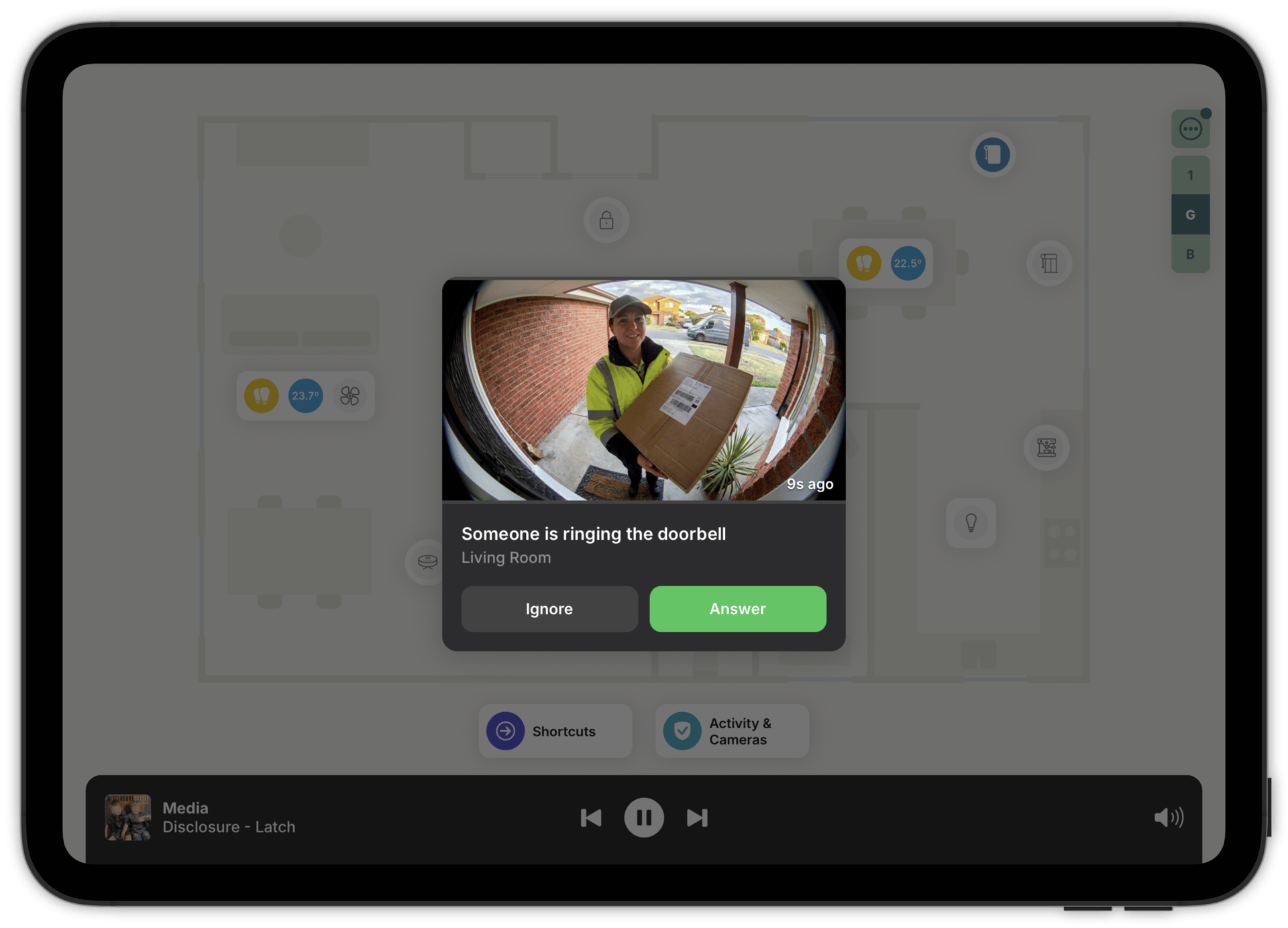
Someone rings, the tablet wakes, plays a ringtone and shows a full-screen snapshot of who's there. Tap Answer for the live stream, talk to them, and unlock the door if there's a smart lock nearby.
Tablets in several rooms ring together. The moment one is answered, declined or silenced, the rest stop chiming.
The ring comes locally from your system, with no round trip to a cloud service. It's instant, and it keeps working when your internet is down.
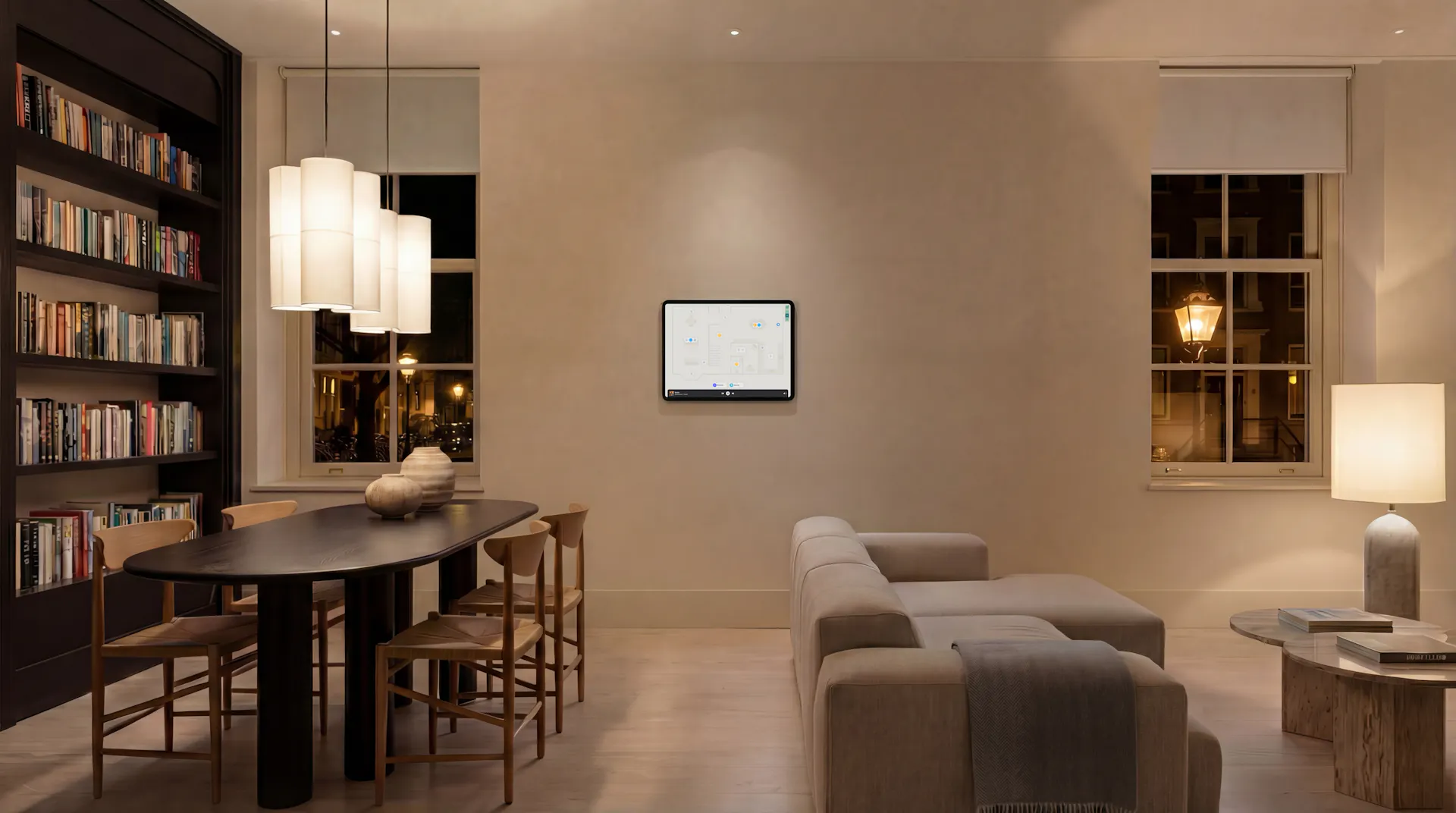
Mounts, power, and what we'd buy.
Pick somewhere easy to reach and out of the way. Plan where the cable and power supply will hide, mount it where the Wi-Fi is strong, keep it out of direct sun, and aim for eye level.
Then rotate the floorplan so up on the screen is ahead in the room. Matching a door on screen to the door in front of you is much quicker than working it out.
For hardware: iPad, iPad Air, iPad Pro, or the Samsung Tab A11.
Setting it up takes seconds.
Nearby Device Pairing gets Zendo configured onto a tablet in seconds. Tap and hold the Zendo logo on the new tablet, scan the code from a phone that's already set up, and it's in. No signing in, no password to type on the wall-mounted tablet.
Questions people ask first
Yes. Alerts appear while Zendo is on screen, and the device only rings while it's connected. That's the main reason to turn Kiosk Mode on.
The ring will, because it comes from your system across your own network. For the video to work offline too, the tablet, your system and the doorbell all need to be on the same local network, and the doorbell needs to support local streaming.
Yes. Floorplan orientation is set per device, so each one remembers its own.
No. Nearby Device Pairing sets it up from a phone or another device that is already running Zendo. Tap and hold the Zendo logo on the new tablet, scan the code, and it's in.
Add a tablet by the front door
Download Zendo, turn on Kiosk Mode, and mount the tablet. 14 day trial.