One tap for the thing you do every day
Start your automations from the floorplan, and an assistant that builds them for you.
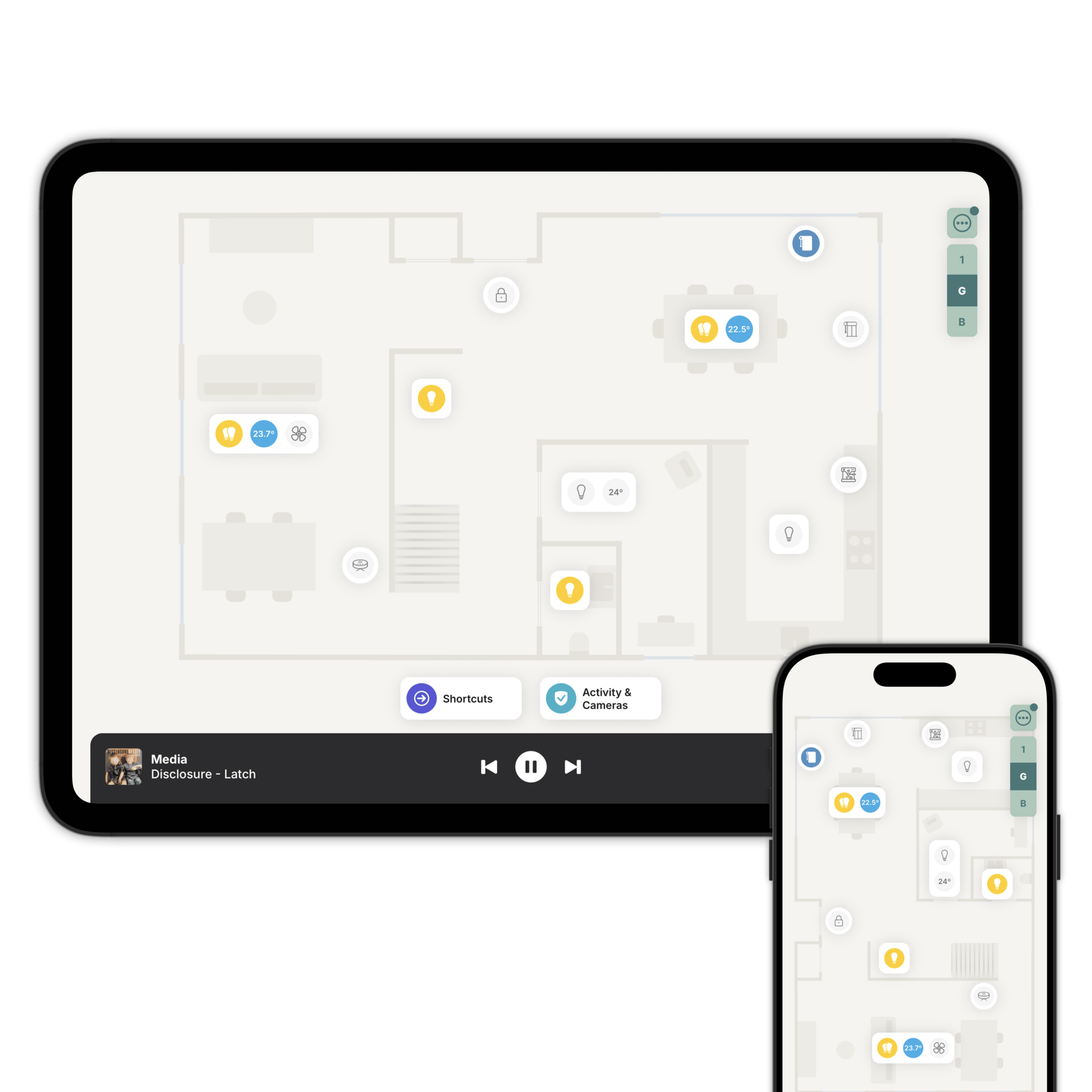
A button in every room, because it's on the floorplan.
Each shortcut sits at the bottom of your floorplan, reachable from any room and any floor. One tap and it runs.
There are two ways to build one. Point a shortcut at an automation or scene you already have in Home Assistant or Homey, like "I'm Leaving", and the logic stays in your system.
Or tell the assistant what you want to happen and it builds the shortcut itself. The steps live in Zendo, so there's nothing to write first.
Describe it. The assistant writes it.
"Dim the lights and play my relax playlist." That's enough to get a shortcut.
The assistant can also suggest shortcuts worth having based on your home. Useful when you know you want something but not quite what.
Six shortcuts worth having.
I'm Home. Lights fade on, your playlist starts, the temperature adjusts and the blinds open. The door locks behind you and the alarm disarms.
I'm Leaving. Lights off, blinds closed, doors locked, thermostat to eco. Alarm arm, and the robot vacuum can start its round.
Wake Up. Bedroom lights come up slowly, blinds open, soft music, the heating warms and the coffee machine starts.
Good Night. Lights dim then go out, blinds close, doors lock, the thermostat settles for sleep and the alarm arms.
Work From Home. Lights set for focus, blinds positioned for the glare, music on, indoor cameras paused and the vacuum stays docked so it doesn't interrupt you.
Meditate. Warm low light, blinds closed for privacy, something calm playing.
Open up. Close down.
Shortcuts work the same way at a commercial property, where the same two things happen every single day.
Open Up. Lights on in the common areas, signage and displays powered up, HVAC to comfort mode, alarm disarmed for opening.
Close Down. Lights off, blinds closed, doors locked, non-essential equipment powered down, alarm armed for the night.
Questions people ask first
Yes, the AI assistant will build the automation itself. You can also launch an automation or scene that lives in Home Assistant or Homey; the logic stays in your system.
Along the bottom of the floorplan, on every floor, so you never have to go back to a room to reach one.
Start with "I'm Leaving"
Download Zendo and let the assistant build your first shortcut. 14 day trial.