Turn a tablet into a smart home wall controller
Music, the doorbell, the heating and your automations from one wall-mounted tablet.
A panel you can personalise.
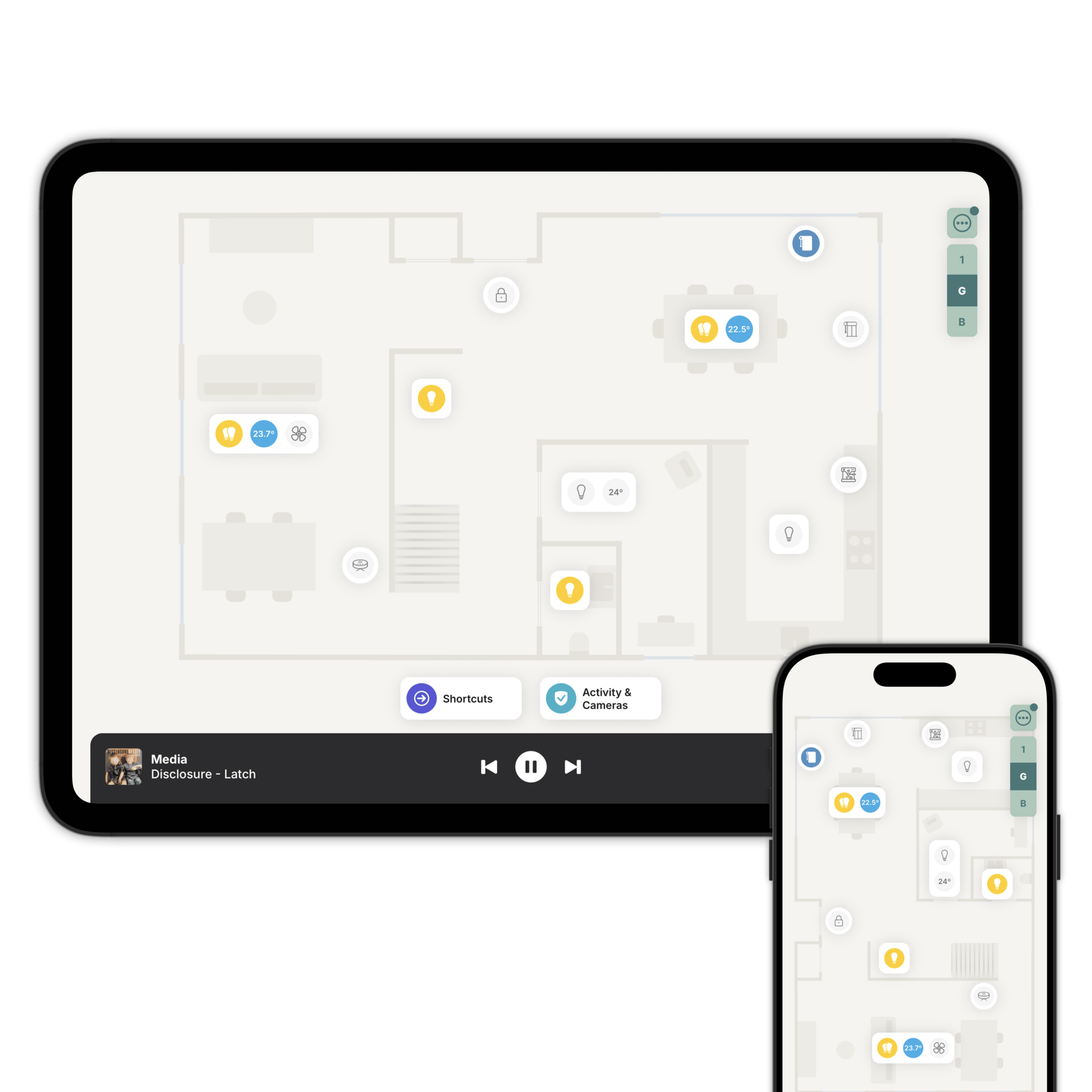
Zendo turns your tablet into a dedicated wall panel, showing the floorplan you've already built. It connects to Home Assistant or Homey, so your accessories can be controlled out of the box.
Move a light, add a room, rename something, and every tablet updates itself. There's nothing to redo on each one.
And it shows your home, not a grid of tiles. The lights on screen sit where the lights are, so guests work it out without being told.
Music, sorted.
Your speakers sit in a bar along the bottom of the floorplan, one tap from any room. Artwork, volume and skip, all on the same panel.
Save Spotify albums, playlists and radio stations as favourites, and start one without picking up a phone. Playlists shuffle themselves, so you get a different track each time.
Favourites follow Family Sharing, so the kitchen tablet gets your radio stations and the kids' tablet gets theirs.
Everything a simple wall switch can't do.
The same screen, doing the things you'd otherwise get your phone out for.
The door, answered.
Someone rings and the panel wakes with a snapshot of who's there. Answer, talk to them, then tap the lock and they're in. See the full door panel setup.
The heating, adjusted.
Set the thermostat or a TRV on the way past. Open the blinds. Check the temperature in other rooms without walking through the house.
The automations, started.
Add Shortcuts, on the panel in every room. Goodnight, heading out, film on. One tap each.
And yes, the lights.
Lights, smart plugs, the robot vacuum and the garage door, in the rooms they're actually in.
The tablet is a device too.
Turn on Kiosk Mode and the tablet shows up in your system like any other device. Your automations can read its state and control it back.
It wakes as you walk up, if there's a motion sensor nearby. It goes dark and dim at eight, and bright again in the morning. Lower its volume at night and the doorbell quietens with it.
Arm the alarm on your way out and it locks behind a PIN, and that lock survives a reboot.
What to buy, and where to install it.
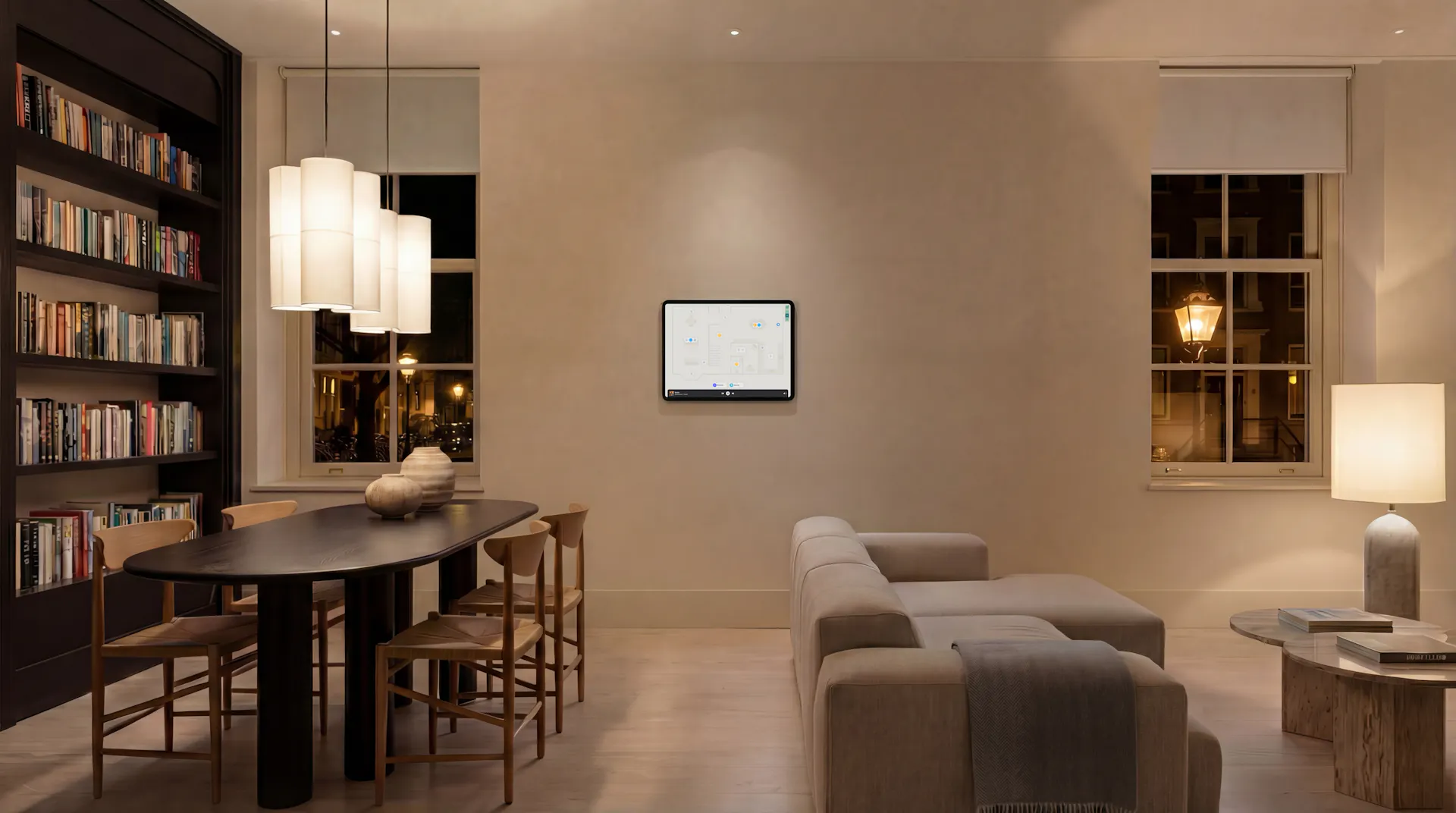
A tablet around 11 inches is the sweet spot. An iPad, iPad Air, iPad Pro or Samsung Tab A11 all work well.
Mount it at eye level, out of direct sun, and hide the cable.
Once it's up, Nearby Device Pairing gets Zendo up and running in seconds: press and hold the Zendo logo on the new tablet and follow the instructions on the screen.
Then lock the floorplan's rotation so up on the screen is ahead in the room.
Keeping the battery healthy.
A tablet left on a charger for two years is a tablet with a swollen battery.
Zendo reports its battery level, so you can put the charger on a smart plug and have an automation hold it between 20% and 80%. Get an alert if it drops off the network.
Questions people ask first
Yes. Family Sharing decides what each tablet shows.
Yes. Zendo has to be on screen, which is why Kiosk Mode is worth turning on.
Add one on the wall
Download Zendo, mount a tablet, and turn on Kiosk Mode. 14 day trial.