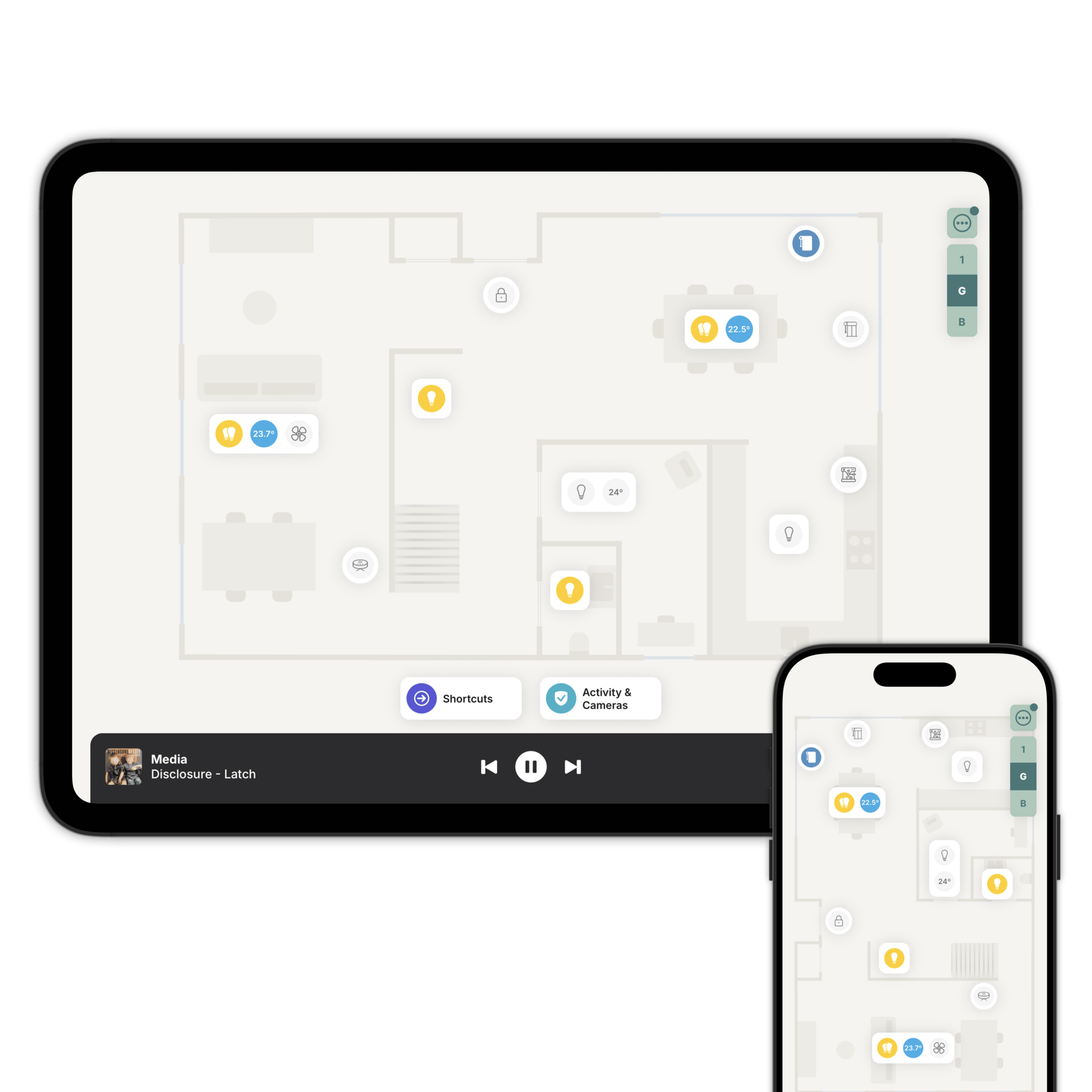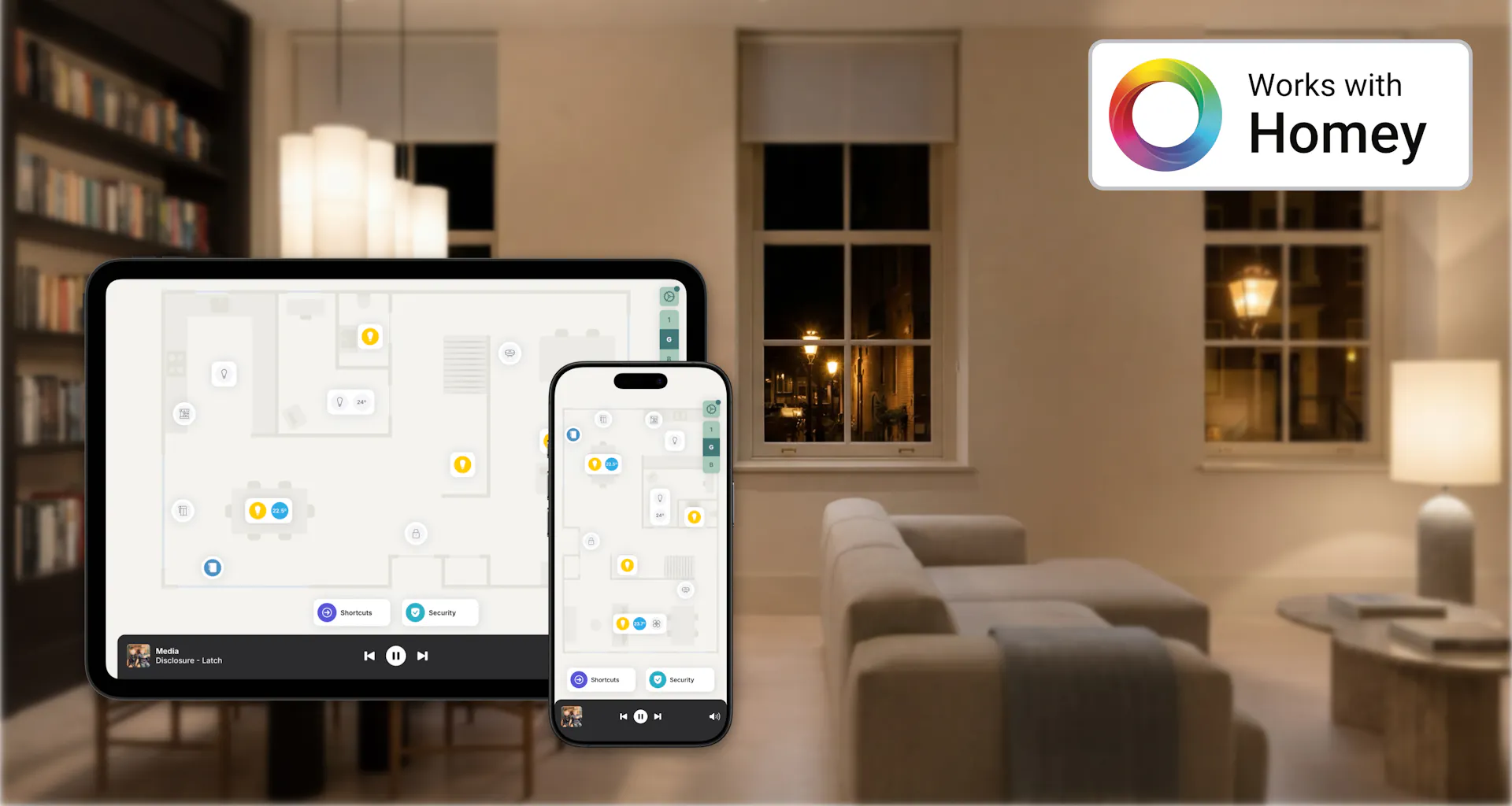
Zendo turns your home into a visual, interactive floorplan. You set up rooms, place accessories where they physically are, and control everything by tapping on the floorplan.
As an official Homey partner, Zendo connects directly to your Homey and brings a visual way to experience your smart home; designed to look and feel great on any screen, for everyone in the household.
A floorplan gives you a sense of place: you recognise the rooms, you see where things are, and you already know what to do. It feels like home, because it looks like home.
Zendo connects directly to your Homey and gives everyone in the household a visual, intuitive way to control every device: from lights and thermostats to locks, cameras, and blinds. If it's connected to your Homey, it works in Zendo.
Getting started is simple. If you have an iPhone Pro/iPad Pro, scan your rooms and your floorplan is ready in seconds. On any other device, upload your floorplan and adjust it to your liking.
Zendo automatically places your accessories on the floorplan; and you can rearrange, add, or personalise anytime. No re-pairing needed.
iPhone, iPad, Android phones & tablets. Whether you're at home on the sofa, checking your cameras from the office, or adjusting the thermostat from bed, Zendo gives you instant access to your Homey.
Each person gets a personalised view of the floorplan through Family Sharing. You choose exactly which accessories each person can see and control. A guest staying for the weekend sees the guest room and the living room. You see everything. This keeps the experience simple for each person and gives you full control over who can do what.
Zendo lets you place shortcuts directly on your floorplan: one-tap routines for the things you do every day. Tap "Good Night" and your lights dim, doors lock, blinds close, and the thermostat adjusts for sleep. Tap "I'm Home" and the house warms up, your favourite playlist starts, and the security system disarms. It works with your existing Flows and Moods.
Zendo also includes an AI assistant that helps you create shortcuts. Describe what you want in plain language: "dim the lights and play my relax playlist", and the assistant builds it for you. It can also suggest ideas based on your setup.
Notifications from your Flows.
After installing the Homey integration, you get Flow cards like when the doorbell rings, then send a notification with an image, pick the person, attach the doorbell snapshot, and set the Open screen to that doorbell. Tapping the notification opens the live stream so you can see who's there.
How Homey connects to Zendo
However you've already set it all up. Zendo doesn't change any of it.
That's the only connection Zendo makes. Everything works through it.
Add each one to the floorplan, in the room it's actually in.
Questions people ask first
No. Homey keeps doing the work: pairing, Flows, and talking to your devices. Zendo is a different way to reach it, built around a floorplan rather than a list.
Yes. They're untouched. Zendo can launch them from the floorplan, but they live in Homey and behave exactly as they always did.
Zendo prefers a local encrypted connection to your Homey whenever one is available, so being on the same network is what matters most.
Download the app now and create your floorplan.