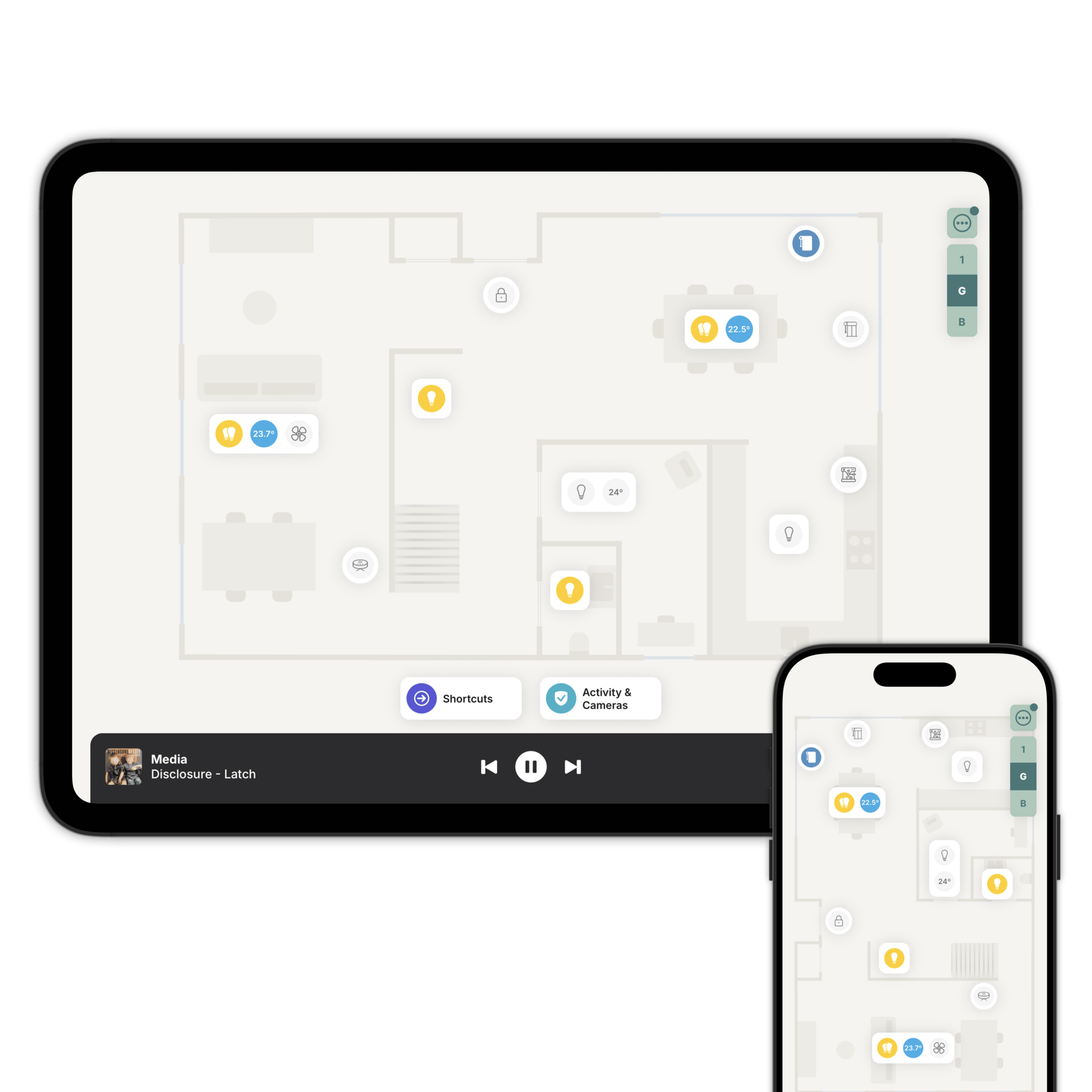
Everything you use every day, one tap from the floorplan
Lights, blinds and curtains, speakers, plugs and robot vacuums, in the room where they actually are.
Every light, in the room it's in.
Add one light accessory to a room and it controls all of them. One tap for the whole room, or open it to reach a single lamp.
Zendo can build that group for you. Link the room to the matching one in Home Assistant or Homey and the group stays right as lights come and go.
Dim a group where the lights sit at different levels and they move together, keeping their relative brightness. The room stays balanced instead of flattening out.
Set the mood, not the brightness.
Wake up. Relax. Party. Sleep. Tap a mood and the room shifts to match it.
Zendo creates them for you when you add a light to a room, so there's nothing to set up. The gallery adds colour moods made by professional lighting designers.
Loading simulator...
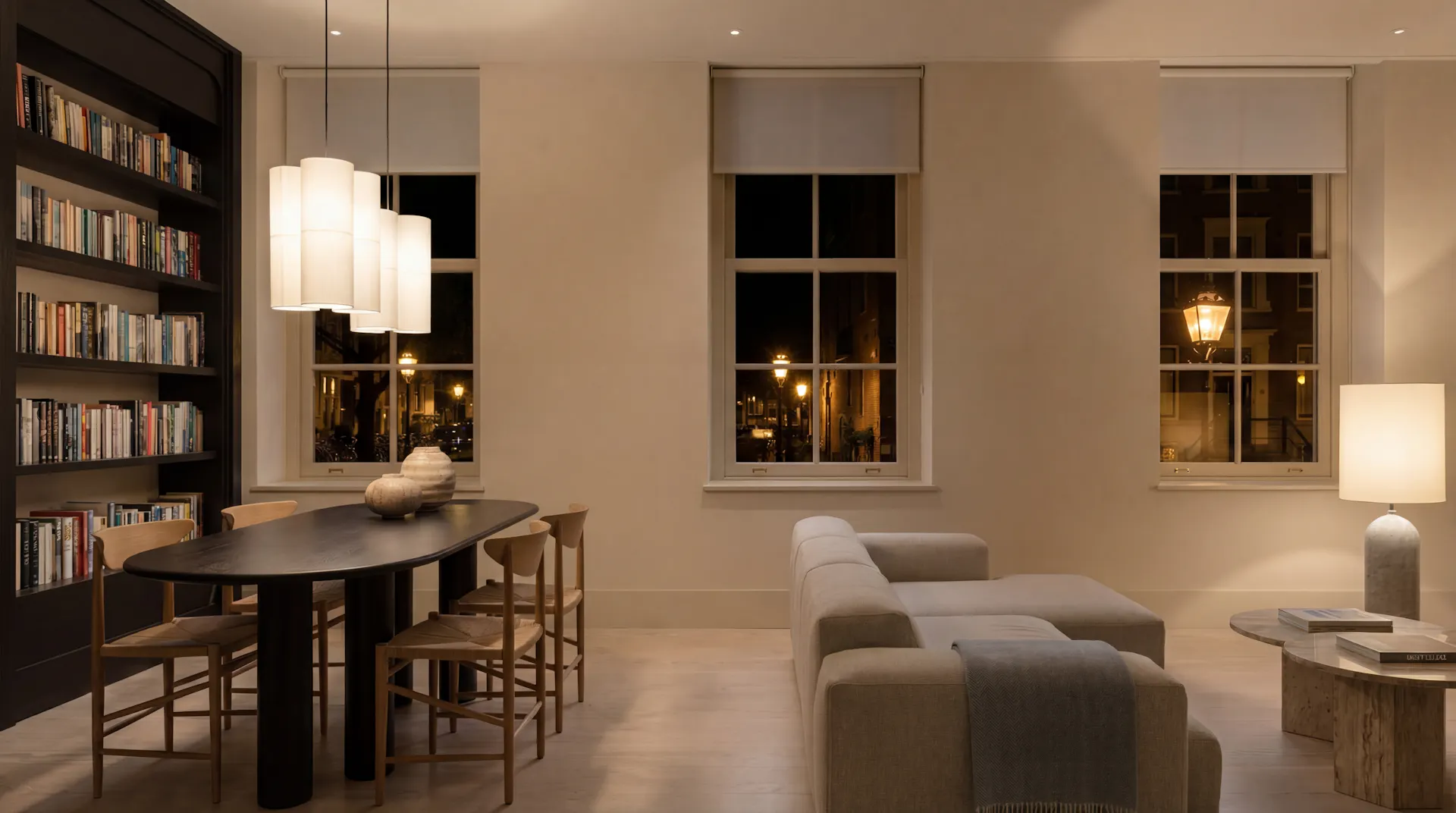
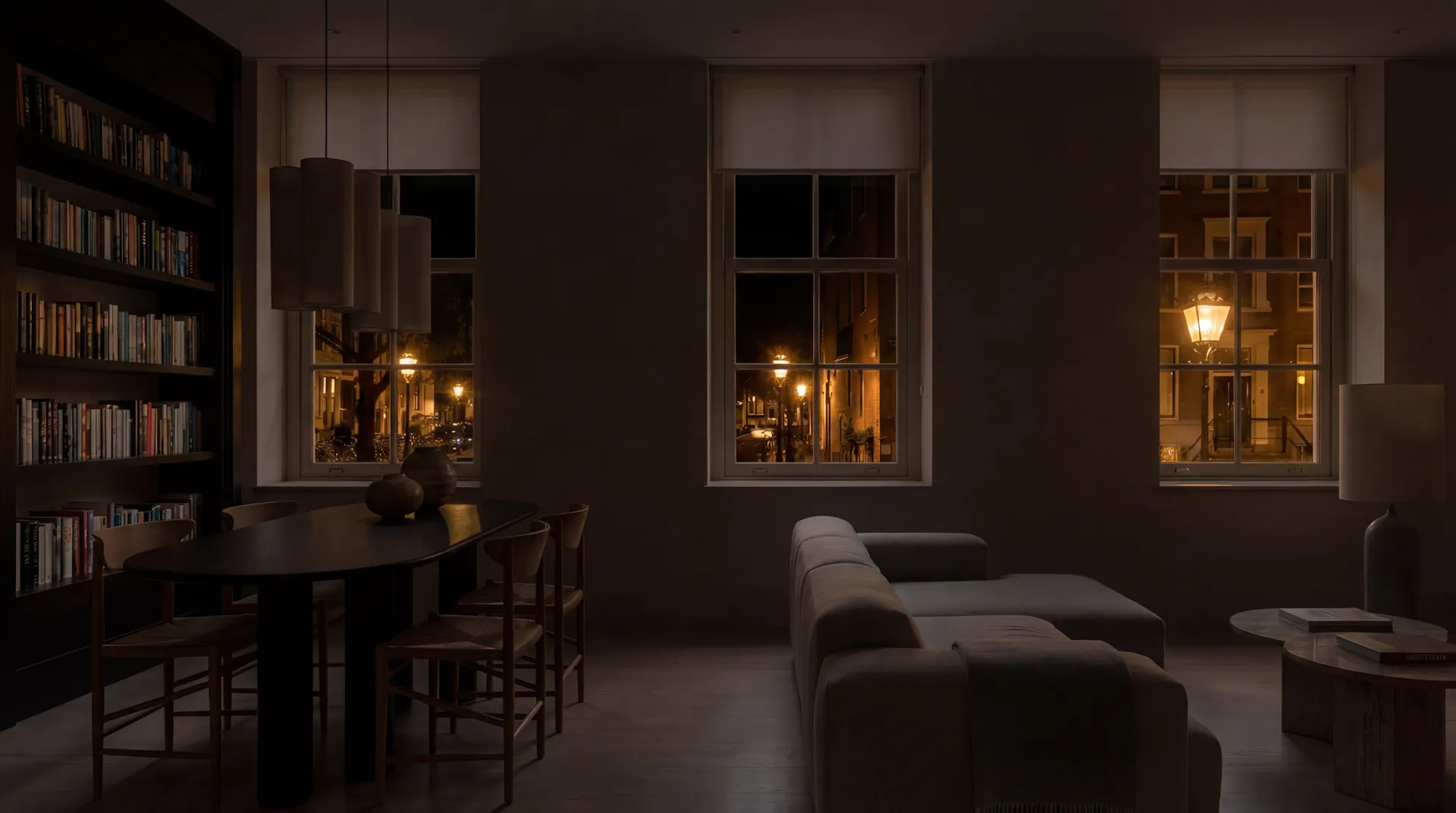
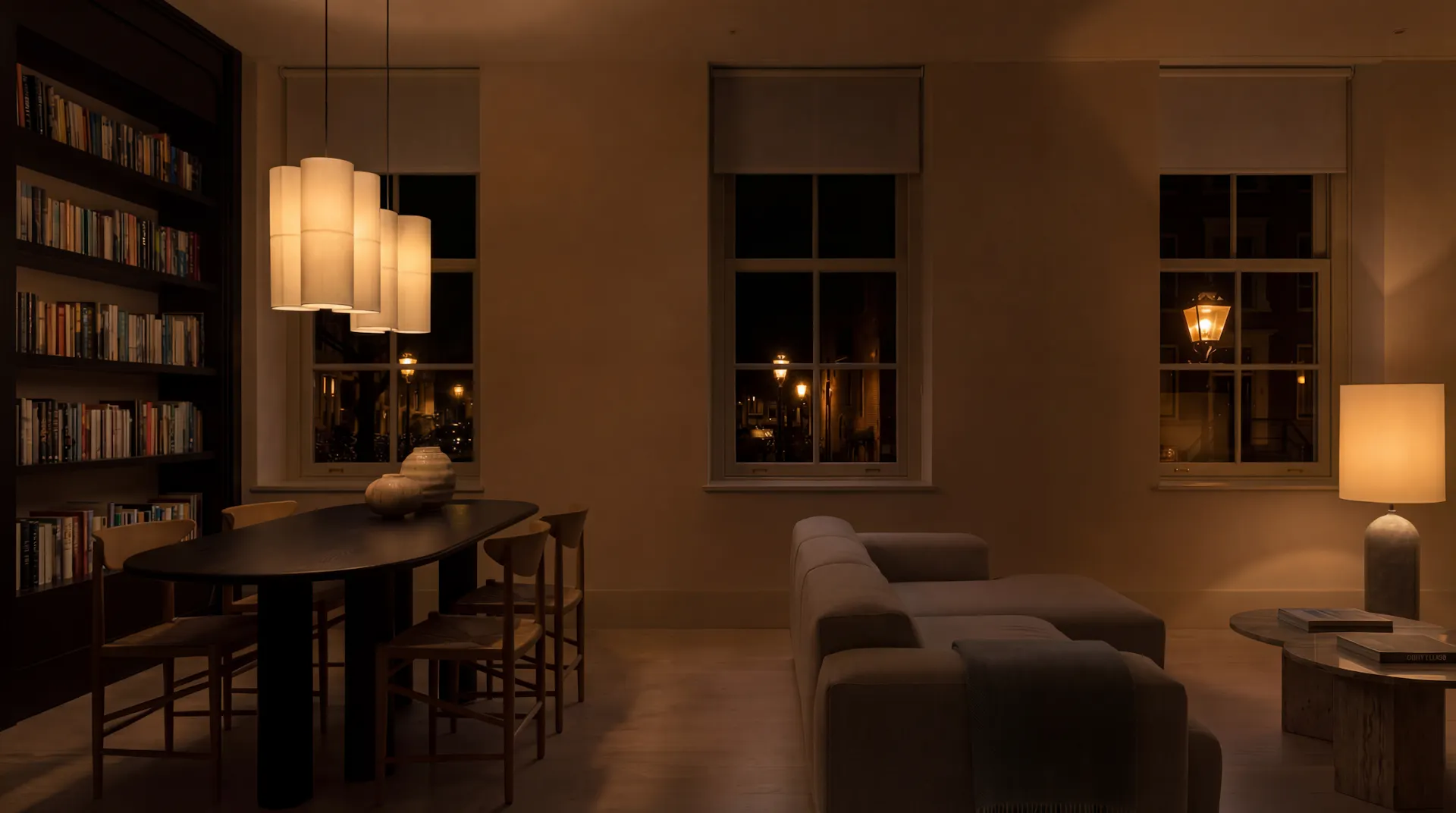
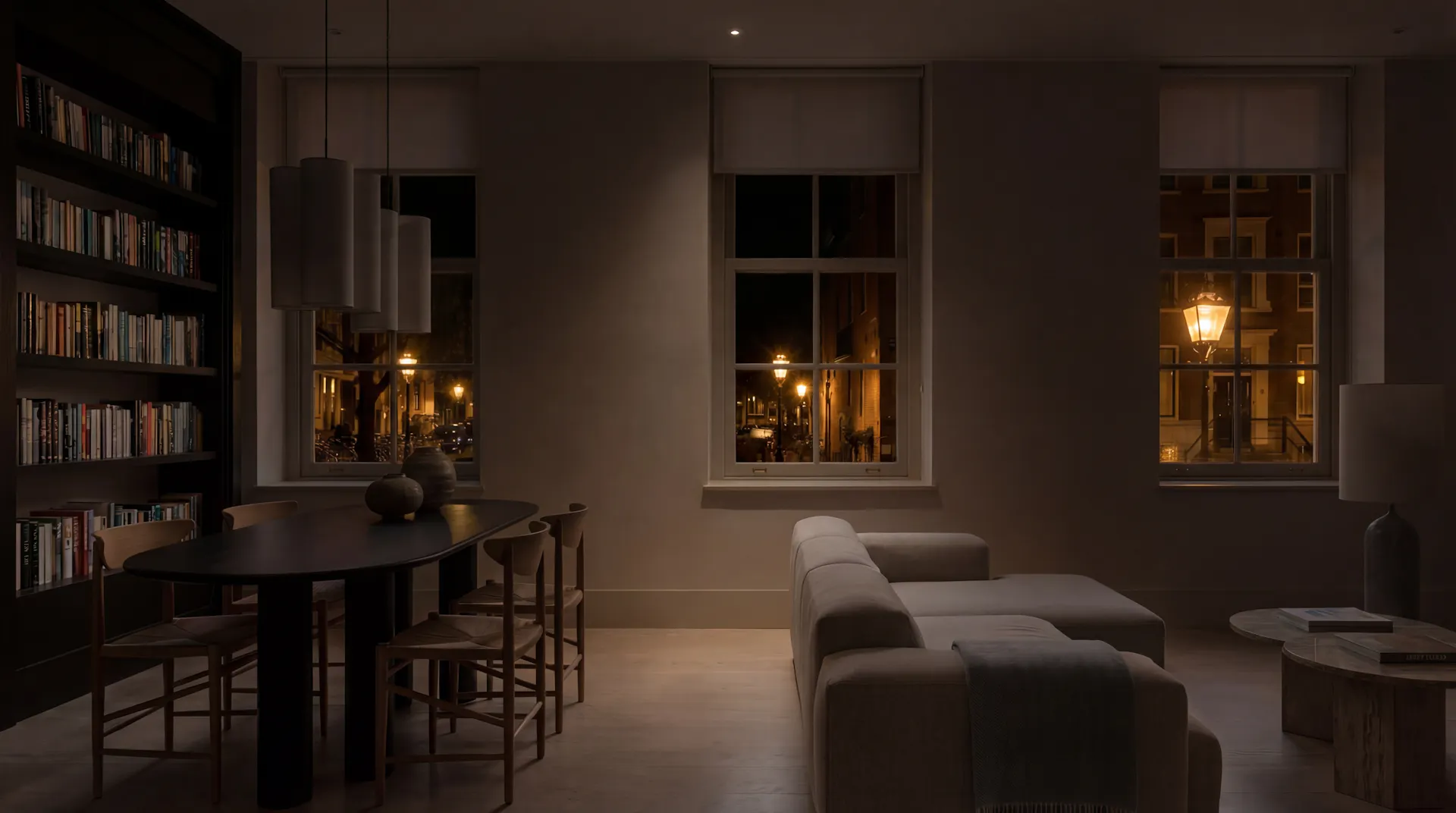
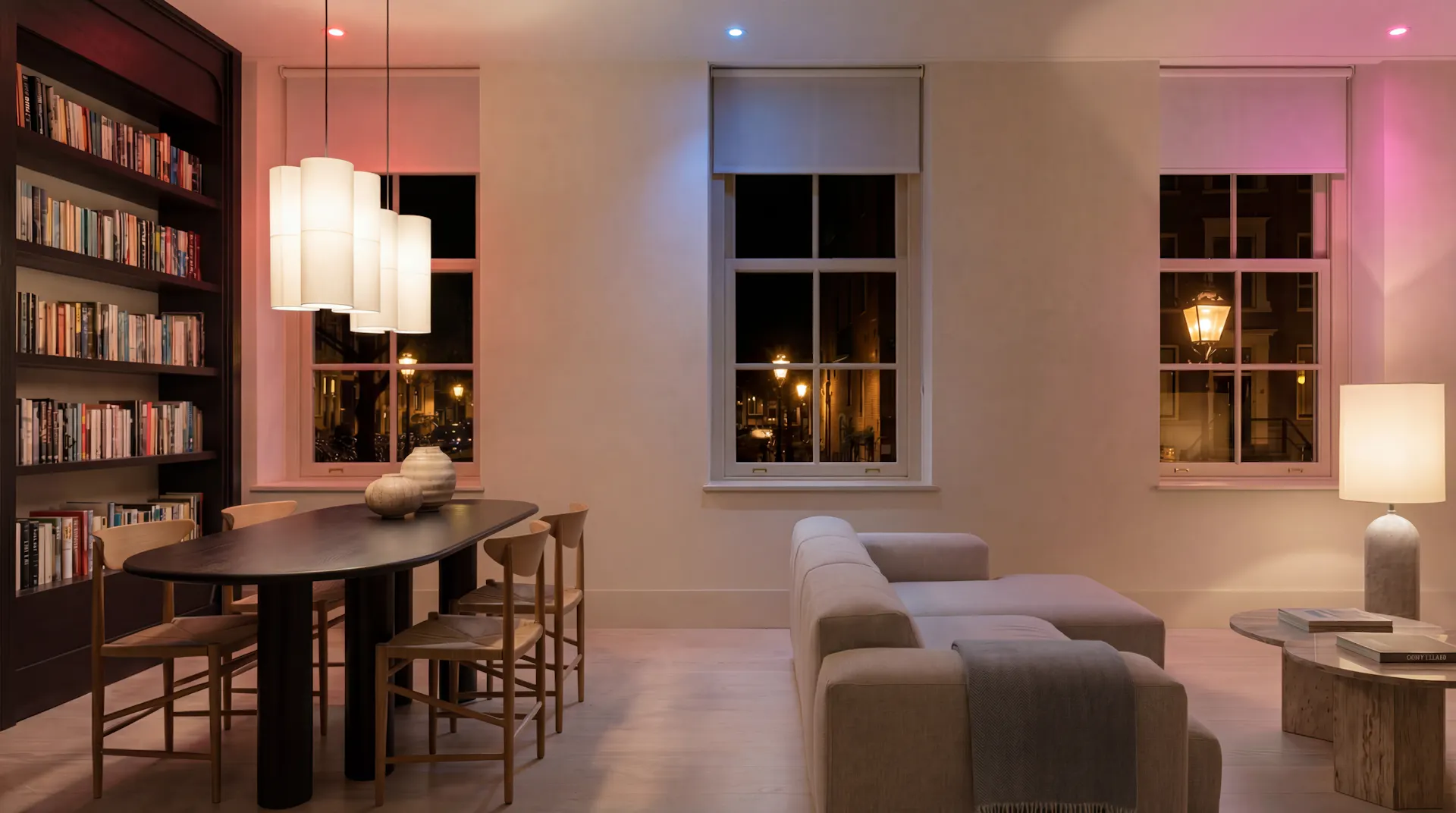
Moods, designed by lighting professionals
A gallery of ready-made colour moods for your lights. Try one, change it on the colour wheel, keep it.
Open up your home from anywhere.
Each blind, curtain and shutter sits next to the window it covers. Open it, close it, or set a position where the motor supports one. Venetian blinds and pergola roofs can also be tilted.
Long-press to open or close without opening the controls at all.
Music room by room.
Speakers sit at the bottom of the floorplan, so you can reach them from any room. Play, pause, skip and set the volume, with the current artwork on screen.
On supported platforms you can save Spotify albums, playlists and radio stations as favourites. Guests can have a different set from yours.
Everything else, switched from the floorplan.
Smart plugs and relays go where the thing they control sits. The coffee machine on the kitchen counter. The tree in the corner at Christmas. Pick an icon that matches so you can tell them apart at a glance.
Plugs that report their power draw show it live, with a history of how much they've used.
Clean the rooms that need it.
Start or pause a clean, send the robot back to its dock, or play a sound when you can't find it. Where the robot offers them, you can set the suction and switch between vacuum and mop.
You already know where everything is.
Open Zendo. The hallway light is one tap. The kitchen is the next room across. The blinds close from the same screen.
You never look for a device name, because you're looking at your home.
Questions people ask first
No. Home Assistant or Homey talks to your devices. Zendo is what you use to control. If your system can see it, Zendo can show it.
No. One light accessory per room can control all of them, and Zendo keeps that group up to date for you. Add individual lights only where you want them on their own, like a desk lamp or a bedside light.
Yes. Family Sharing lets you choose what each person can see and control. Blinds hidden from the kids, a different set of playlists for guests, whatever suits.
Try it on your own home
Download Zendo and see your lights, blinds and speakers where they belong. 14 day trial.