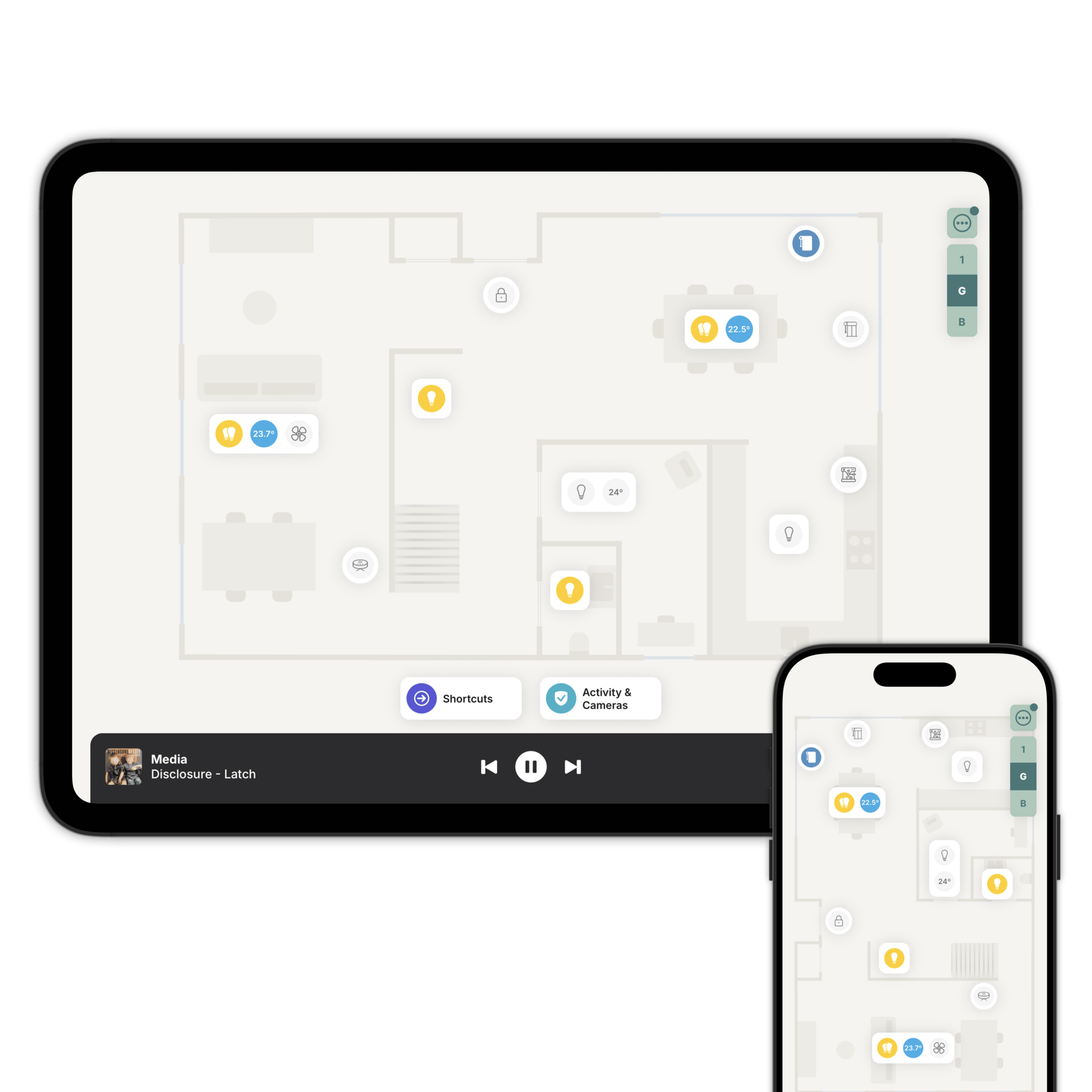
Pick a mood. Watch the room change.
A mood sets the colour and brightness of every light in a room at once. Zendo comes with a gallery of them, made by professional lighting designers, for the lights you already control through Home Assistant or Homey.
Getting the colours right is the hard part.
Choosing colours that work together. Adjusting until the room feels the way you wanted it to. It takes time, and it usually takes a few goes.
The mood gallery is that work, already done. Tap Moods and you'll find a collection of ready-made moods for your colour lights, from soft and relaxing to deep and saturated.
Nothing to configure first. Open it and start trying them.
Made by people who light rooms for a living.
Every mood in the gallery is a Zendo Original, created by professional lighting designers working with us.
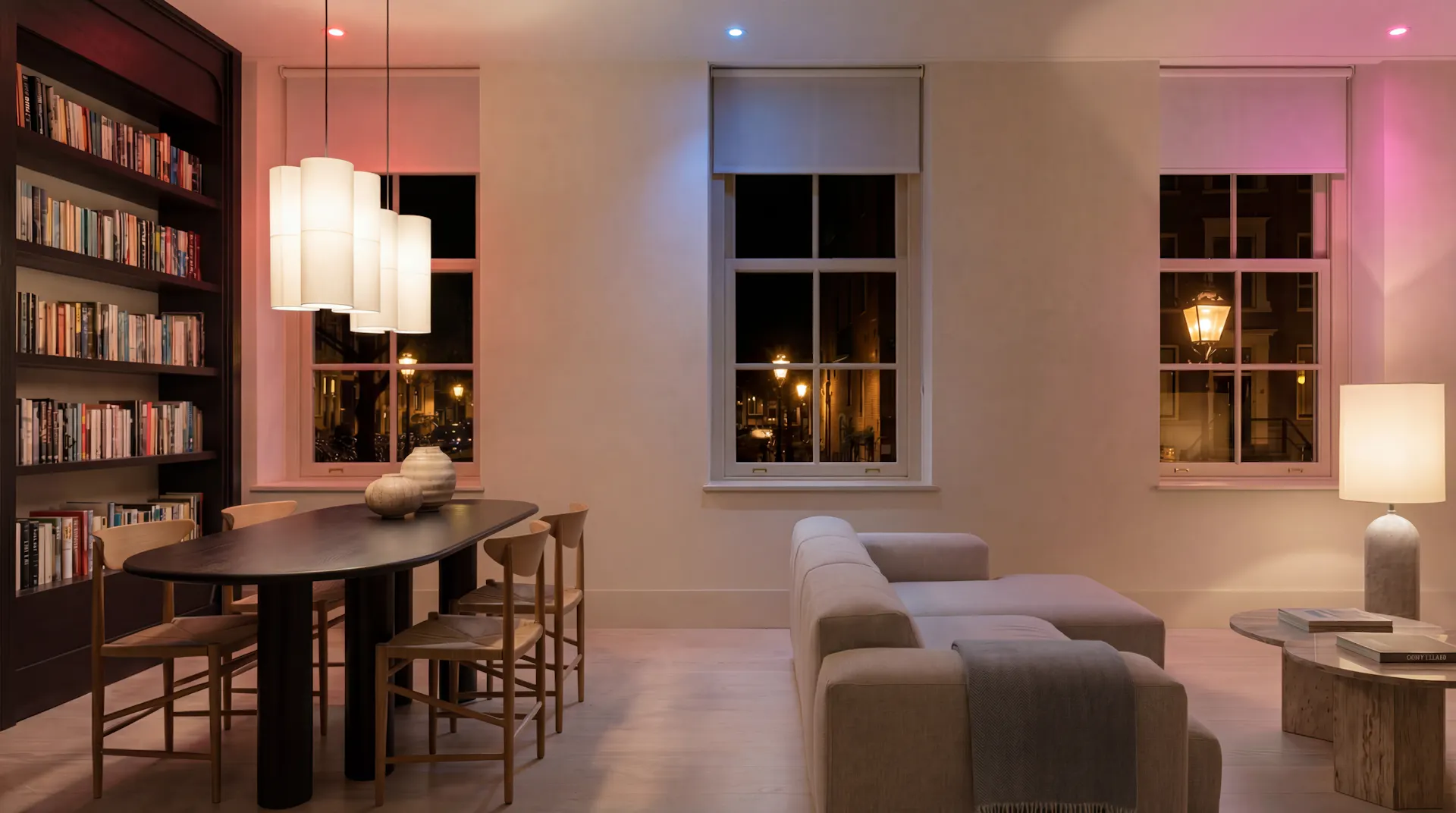
They pick the colours and decide how they sit next to each other across the room. A warm mood stays warm on every light. A vivid one keeps enough contrast that the room is still comfortable to sit in.
We add new Zendo Originals over time, so the gallery is worth coming back to.
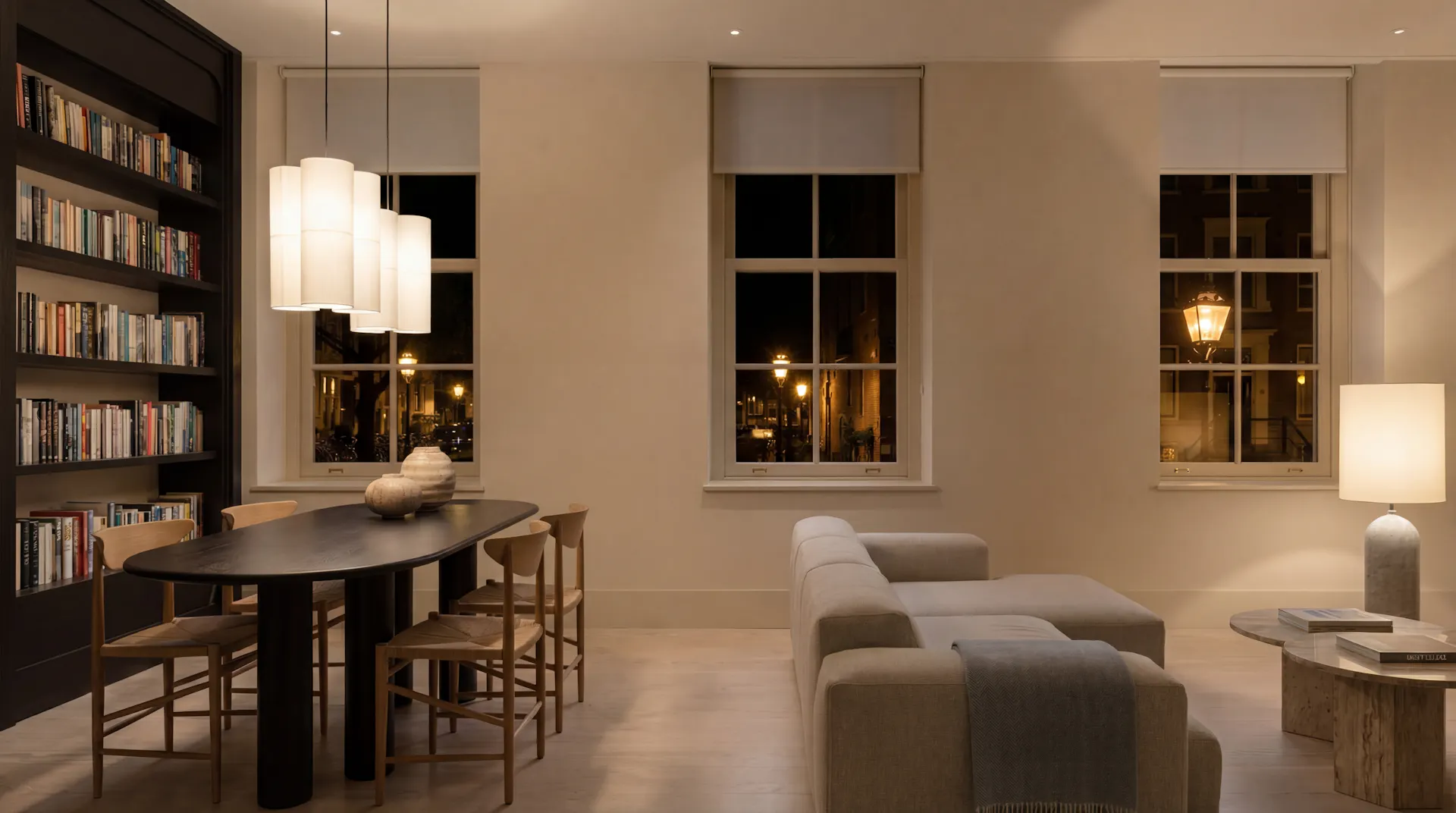
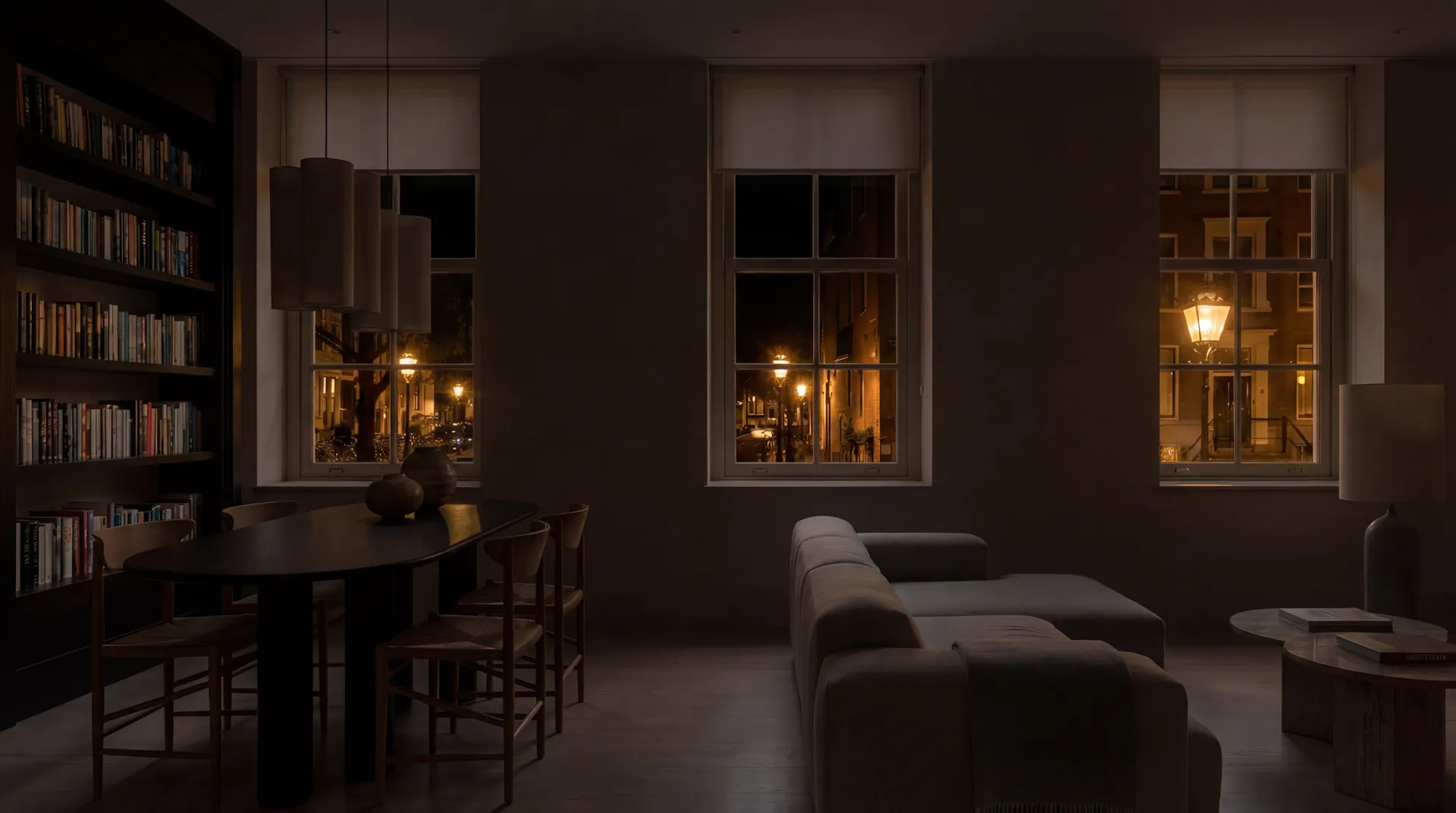
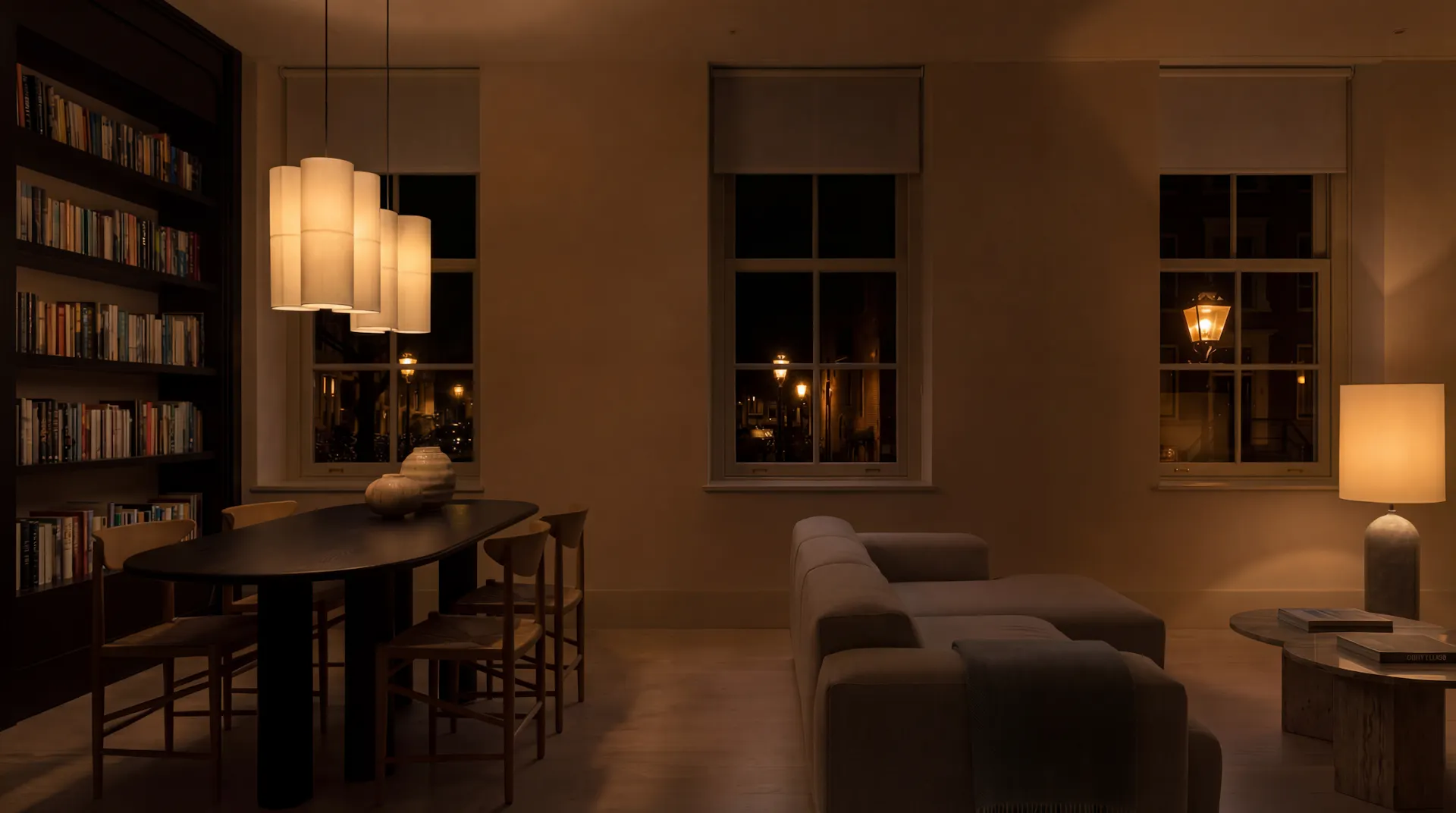
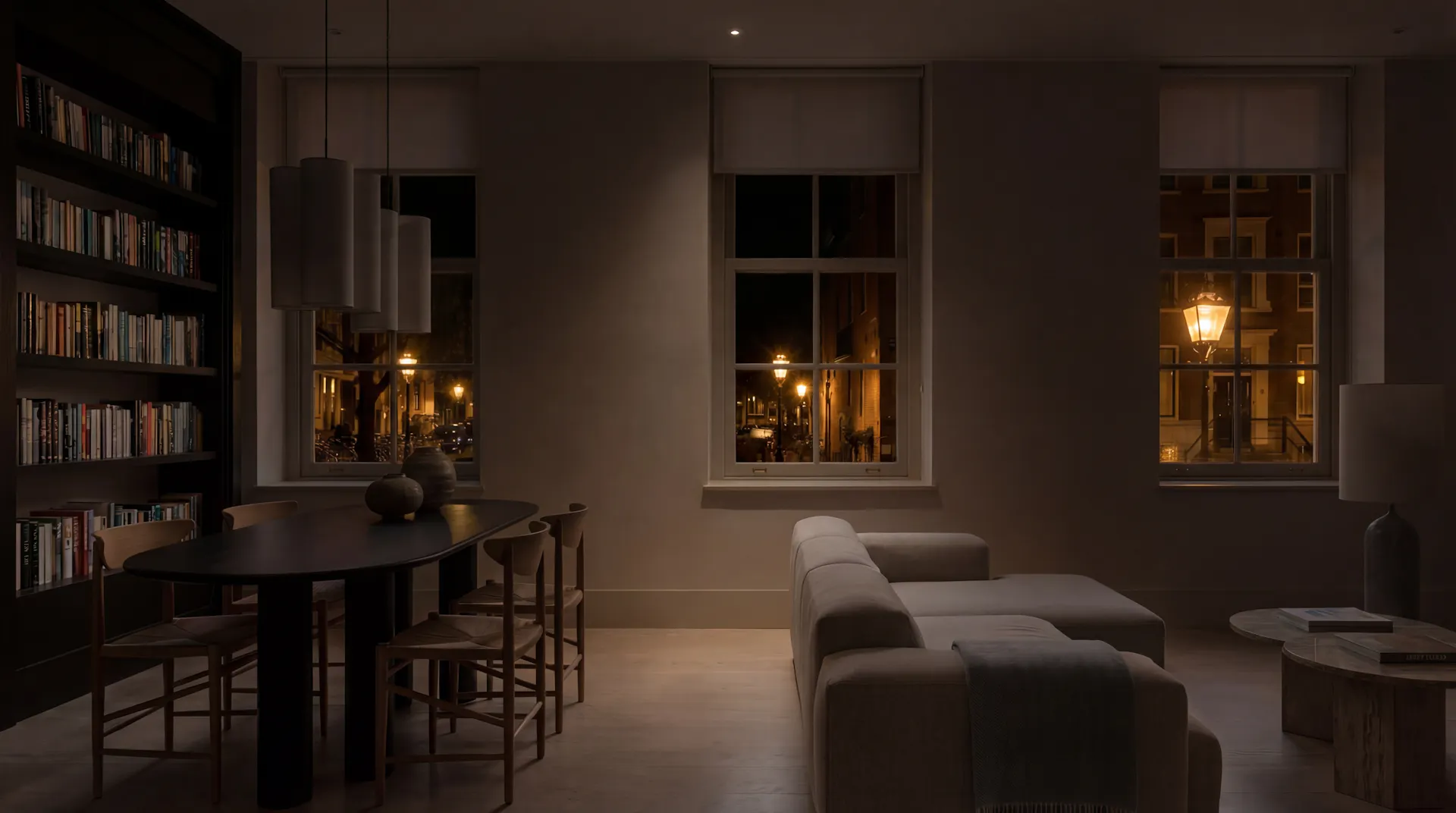
The same room, different mood.
Tap each mood and watch it change.
That's what a mood does at home, except you're standing in it.
Loading simulator...
Make it yours.
Tap a mood and it is set straight away, so you're seeing it in the room rather than on a screen.
Every light is on the colour wheel with its own dot. Drag one to recolour it, drag two together to move them as one, and set the brightness with the slider.
Set it to the room and enjoy.
Every room gets its moods made for you.
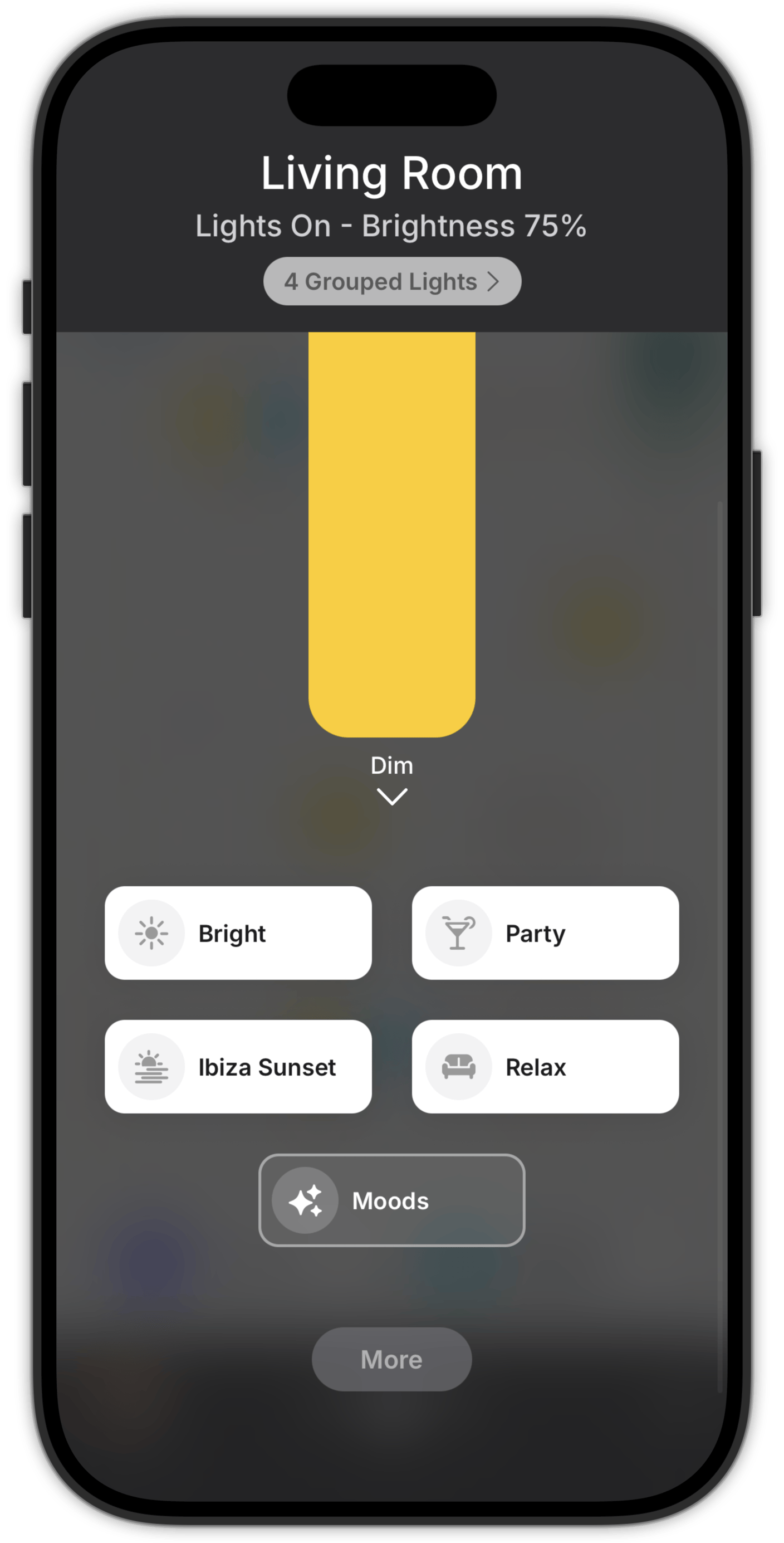
Zendo creates moods for a room as soon as you add a light to it, so there's nothing to build and nothing to link. Wake up, Relax, Party and Sleep are a tap away on the floorplan.
Any scene you've already made in Home Assistant or Homey can be added here as well, sitting alongside them.
Questions people ask first
The mood gallery is designed for colour lights, and that's where it's at its best. Lights that only do warm-to-cool whites, or brightness on its own, follow along as closely as they can.
They stay as they are, and they appear in Zendo as Moods next to the gallery ones. Nothing is replaced and nothing is overwritten.
Your setup stays as it is. Zendo adds its moods on top of what's already there, and the scenes you built yourself carry on working exactly as before.
Try a mood on your own lights
Download Zendo and connect it to Home Assistant or Homey. 14 day trial.