Frigate detects. Zendo shows.
Your detection and recording setup carries on exactly as it is. Zendo puts the cameras where they are in the house.

Two jobs, cleanly separated.
Frigate does object detection, recording and storage, and exposes your cameras to Home Assistant. That's a job it does well and Zendo has no interest in doing.
Zendo reads what Home Assistant exposes. If Frigate has put a camera there, Zendo can show it. Nothing about your Frigate configuration changes, and nothing needs re-pairing.
How Frigate connects to Zendo
Detection and recording, exactly as you've tuned it. Zendo doesn't change it.
That's the only connection Zendo makes. Everything works through it.
Add each one to the floorplan and link it to the room it points at.
Cameras in the rooms they are.
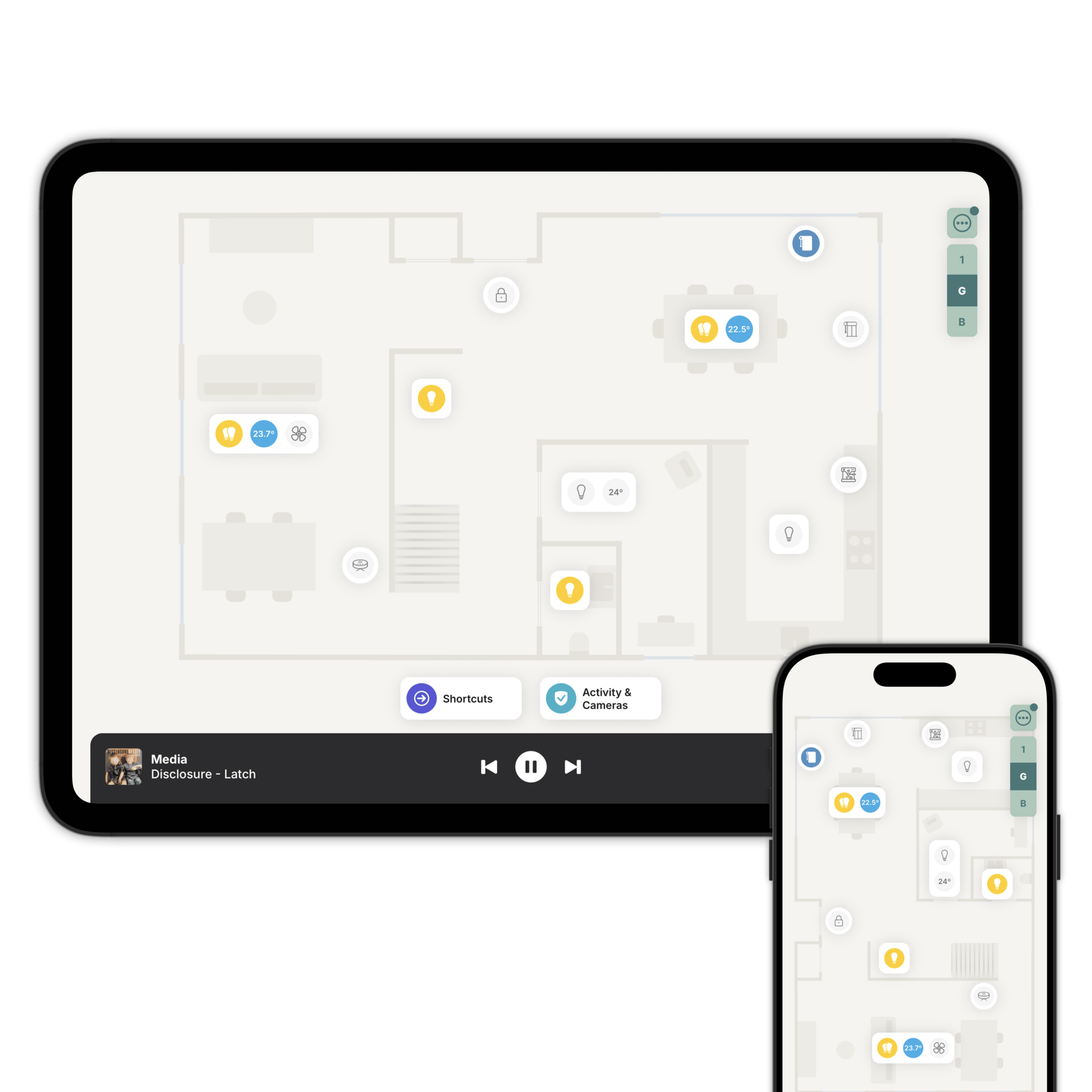
Link each camera to a room and it joins the Activity & Cameras view: a snapshot of every camera on one screen, refreshed as you watch, with a live stream on tap. Zendo uses WebRTC, so the live stream has as little delay as possible.
Because the camera is linked to a room, you can turn on the lights in that room without leaving the stream. On a dark drive at night that's the difference between a useful picture and a grey rectangle.
Your presence and contact sensors sit in the same view, so you can follow movement through the corridors Frigate can't see.
What Zendo doesn't do.
Zendo doesn't record, doesn't store footage and doesn't do detection. There's no clip library and no event scrubbing.
That's all Frigate's, and it should stay Frigate's. Zendo is the glance: what's happening now, and where.
Put your cameras on the floorplan
Download Zendo and connect it to Home Assistant. 14 day trial.