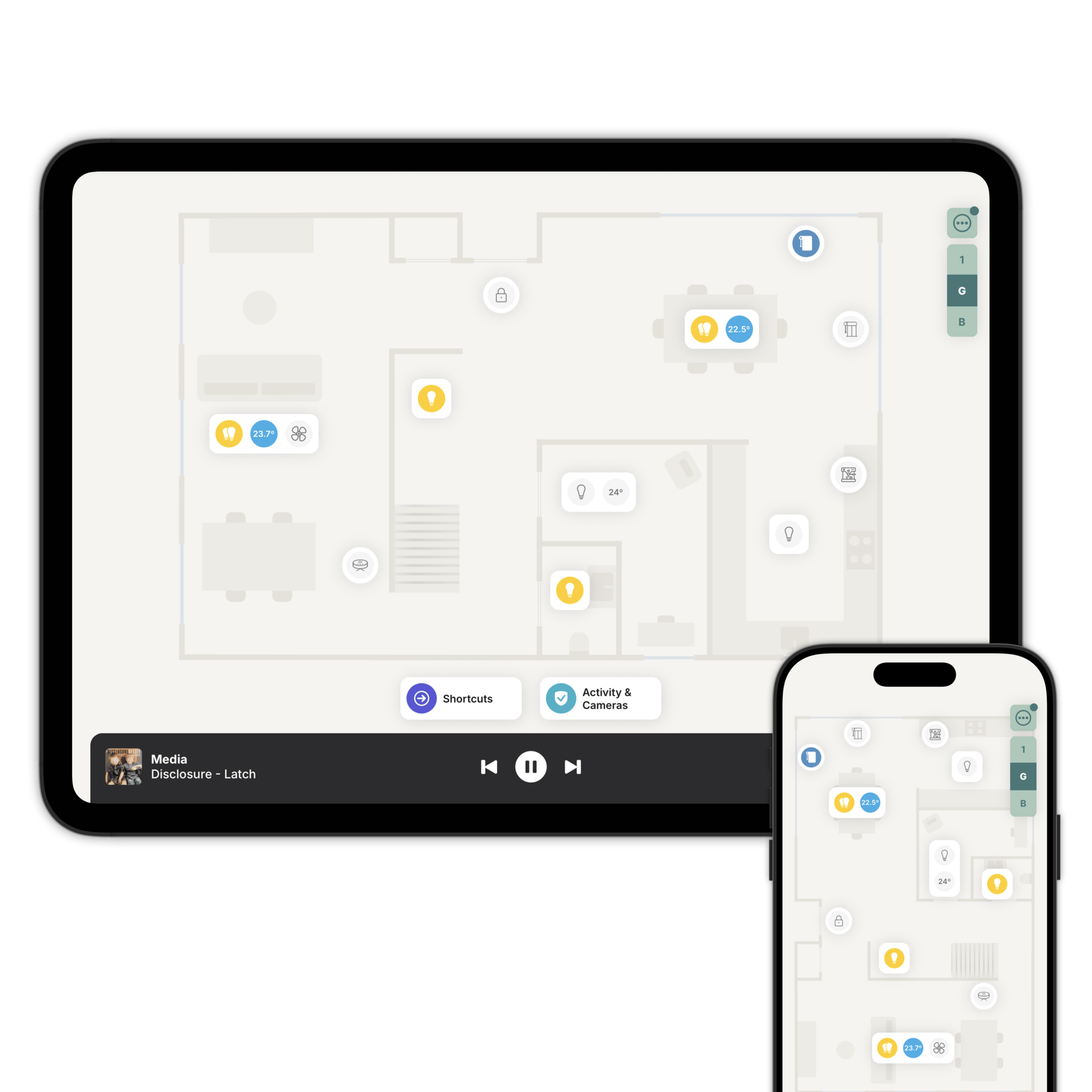
Your Modbus devices, on a floorplan
Home Assistant or Homey reads the registers. Zendo puts what they hold in the room it belongs to.

Your registers keep doing the work.
Zendo doesn't speak Modbus directly. Home Assistant or Homey reads the registers, and Zendo reads what your system exposes.
Nothing about your wiring changes. The device carries on doing its job, and the register map stays where it is.
How Modbus connects to Zendo
Over IP, on your own network.
Your system turns them into something it can read. That part is a one-off.
Add each one to the floorplan, in the room it's actually in.
Modbus over IP.
Zendo needs to reach your devices over IP. That is the route that works on Home Assistant or Homey alike. Set the address, the port and the unit ID, and your system does the rest.
If your device is RS-485, put a Modbus TCP gateway in front of it. From that point on it behaves like any other device on the network.
Heat pumps, inverters, meters.
Modbus kit lands on the floorplan as what it is: heating and cooling, energy readings, ventilation, and on/off control.
A heat pump stops being a row in a dashboard and starts being the thing in the plant room, with its flow temperature next to it.
Energy Monitoring picks it up too, so a Modbus meter sits alongside everything else your system reads.
See your Modbus kit on the floorplan
Download Zendo and connect it to Home Assistant or Homey. 14 day trial.