Scrypted connects it. Zendo shows it.
Keep the camera setup you've already tuned. Zendo shows it on the floorplan.
Scrypted keeps running behind the scenes.
Scrypted is the layer that brings all the cameras together, and bridges them into Home Assistant. Zendo reads what Home Assistant exposes.
So whatever you've already got working through Scrypted turns up in Zendo without extra configuration on either side.
How Scrypted connects to Zendo
Bridging whatever cameras you've got working. Zendo doesn't change it.
That's the only connection Zendo makes. Everything works through it.
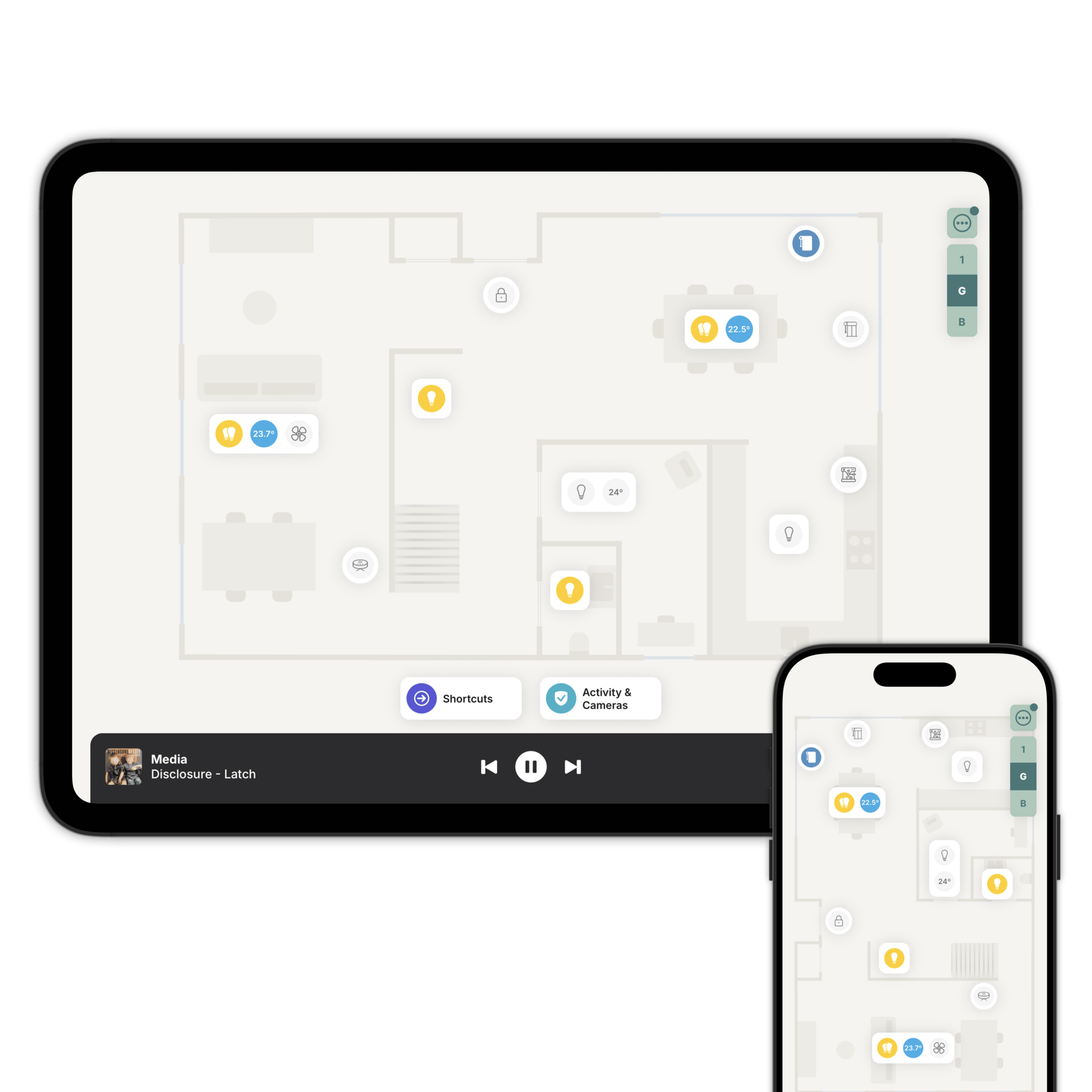
Add each one to the floorplan and link it to the room it points at.
One screen for every camera.
Link each camera to a room and it appears in the Activity & Cameras view: a snapshot of each one, a live stream on tap, and WebRTC keeping the delay short.
Because the camera is linked to a room, the lights in that room are reachable from inside the stream. If there's a smart lock in the same room as a doorbell, the unlock button is there too.
Doors, windows, presence and safety sensors share the view, so the cameras are one part of the picture rather than the whole of it.
What Zendo doesn't do.
No recording, no storage, no detection, no clip history. Zendo is the live glance and the last two hours of activity.
Everything else stays with Scrypted.
See them all at once
Download Zendo and connect it to Home Assistant. 14 day trial.