Your Sonos, one tap from any room
Home Assistant or Homey talks to your speakers. Zendo adds them on the floorplan and keeps your favourites a tap away.

Your Sonos system keeps doing its job.
Zendo doesn't talk to your speakers directly and never joins your Sonos system. Home Assistant or Homey does that, and Zendo reads what it exposes.
Nothing needs re-pairing and the Sonos app carries on working alongside it. Zendo is the floorplan on top.
How Sonos connects to Zendo
However you've already set them up. Zendo doesn't change it.
That's the only connection Zendo makes. Everything works through it.
Add each one and link it to a room. They sit along the bottom of the floorplan.
One speaker, one room, or the whole house.
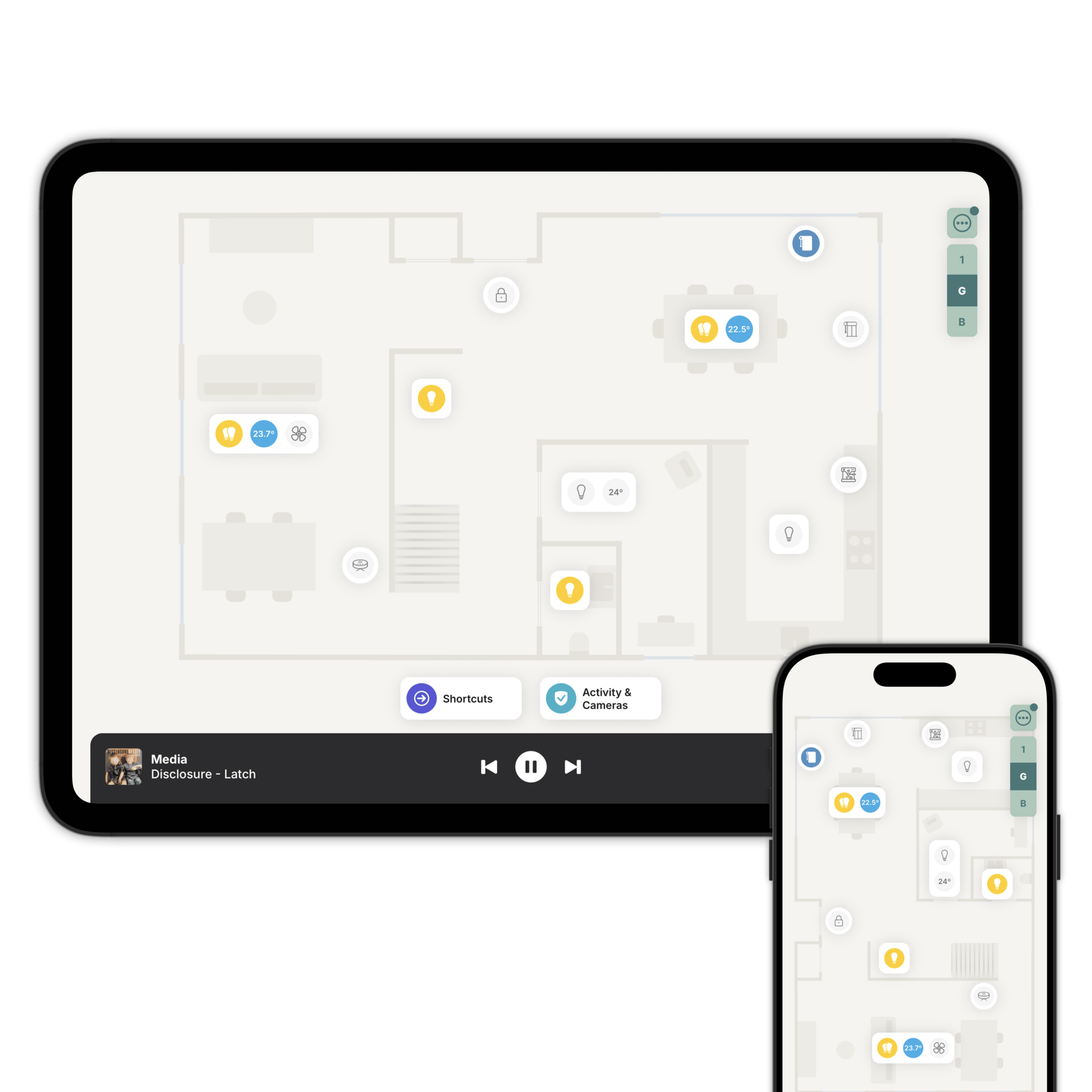
Speakers sit along the bottom of the floorplan rather than inside a room, so you can reach them from any room and any floor without going back for them.
Play, pause, skip and set the volume for one player, one room, or all of them together, with the artwork for whatever's playing on screen.
Spotify and radios on Sonos.
Favourites save Spotify albums, playlists and internet radio stations so they're one tap from the floorplan. Playlists shuffle on their own, so you get a different track each time.
What you'll need. Favourites are a Home Assistant feature, and Spotify needs a Premium account linked to your Sonos system. Turn on the Radio Browser integration if you want radio stations.
Family Sharing applies to favourites, so guests and the kids can have a different set from yours.
Add your speakers on the floorplan
Download Zendo and connect it to Home Assistant or Homey. 14 day trial.