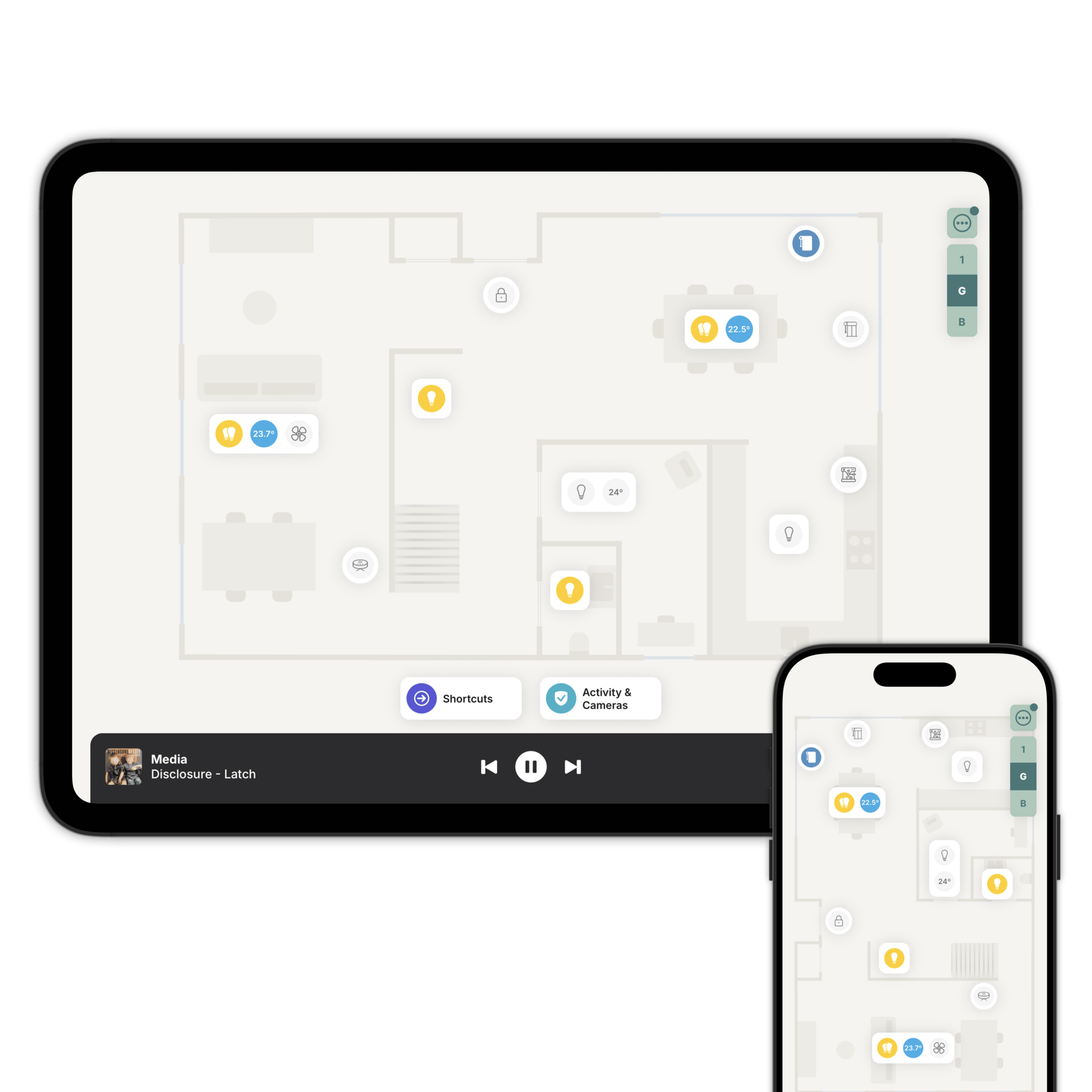
Your Hue lights, in the rooms they're in
Zendo reads your Hue setup from Home Assistant or Homey and lays it out on a floorplan of your home.

Your Bridge keeps doing its job.
Zendo doesn't talk to your Hue Bridge. Home Assistant or Homey does that, and Zendo reads what it exposes.
Whatever you've already set up stays exactly as it is. No re-pairing, no second app to configure, and the Hue app carries on working alongside it.
Hue lights, plugs, motion sensors and contact sensors all land on the floorplan as the accessory type they actually are.
How Philips Hue connects to Zendo
However you've already set it up. Zendo doesn't change it.
That's the only connection Zendo makes. Everything works through it.
Add each one to the floorplan, in the room it's actually in.
Your rooms and scenes come with it.
Add a light to a room and Zendo can build the group for you. The picker also lists groups you've already made, so a Hue room or zone can sit on the floorplan as a single accessory with one switch and one brightness slider.
Dim a group where the bulbs sit at different levels and Smooth Dimming moves them together, keeping their relative brightness. The room stays balanced instead of flattening out.
On supported platforms, the scenes you've built turn up as Moods, so the one you use every evening is a tap away. Light effects are there too, including Candle, Fire and Opal. On top of them, Zendo's mood gallery adds a collection of colour moods made by professional lighting designers.
The whole room on one colour wheel.
Open a room in Zendo and every light in it, Hue or not, sits on the colour wheel as its own dot, at the colour it's currently set to. One look tells you what the room is doing.
Drag a dot to recolour that light. Drag two together and they snap into one, so a single drag moves both. A selector switches the wheel between colour and warm-to-cool whites, and only shows the modes your lights can actually do.
Along the bottom there's a tile for each light in its real colour, with its own switch. Set the whole room in one go, or reach a single bulb when that's what you want.
Your Hue sensors do a second job.
A Hue motion sensor is usually bought to switch a light on. On the floorplan it also shows which rooms are occupied, and Hue contact sensors show which doors and windows are open.
Both appear in Security & Safety mode, and both feed the activity feed: which sensor triggered, in which room, and when, grouped by room and floor. Once they're on the floorplan there's nothing else to set up.
Add several sensors in one room and Zendo aggregates them, so the room reads as occupied if any of them sees something. If you later fit a smart lock to a door that already has a Hue contact sensor, point the lock at that same sensor and it shows both the lock state and whether the door is standing open.
Hue motion and contact sensors report their battery level. The Batteries list shows the ones running low first so you know when it's time to replace them.
Add your Philips Hue on the floorplan
Download Zendo and connect it to Home Assistant or Homey. 14 day trial.